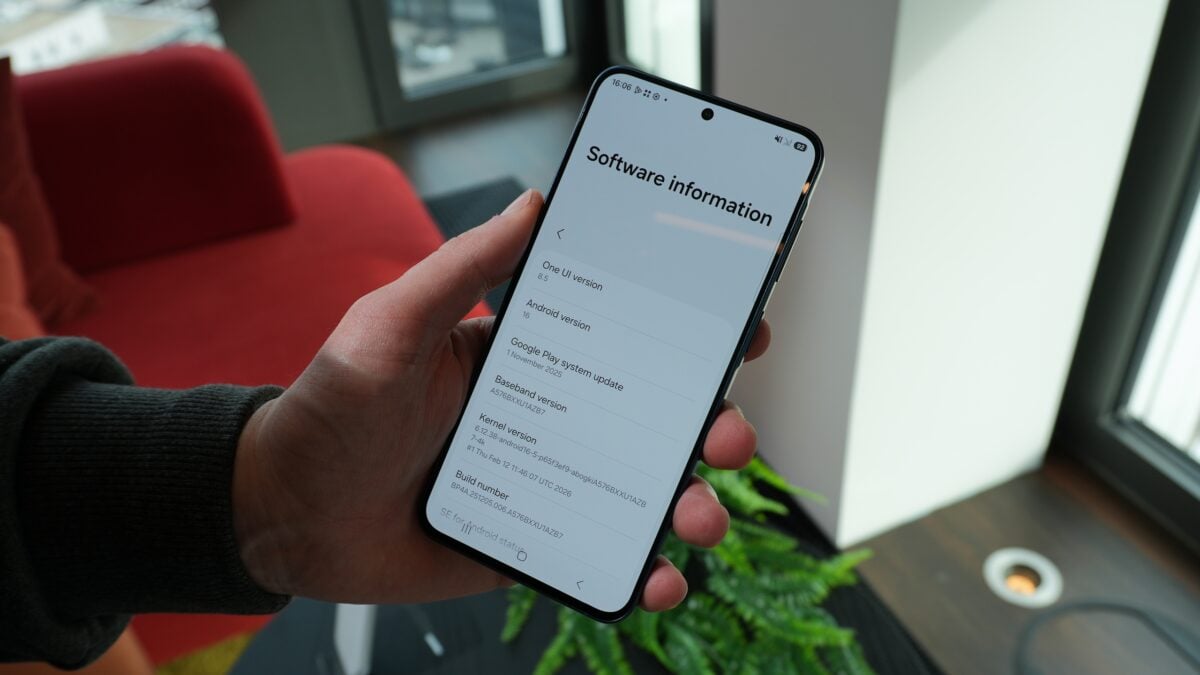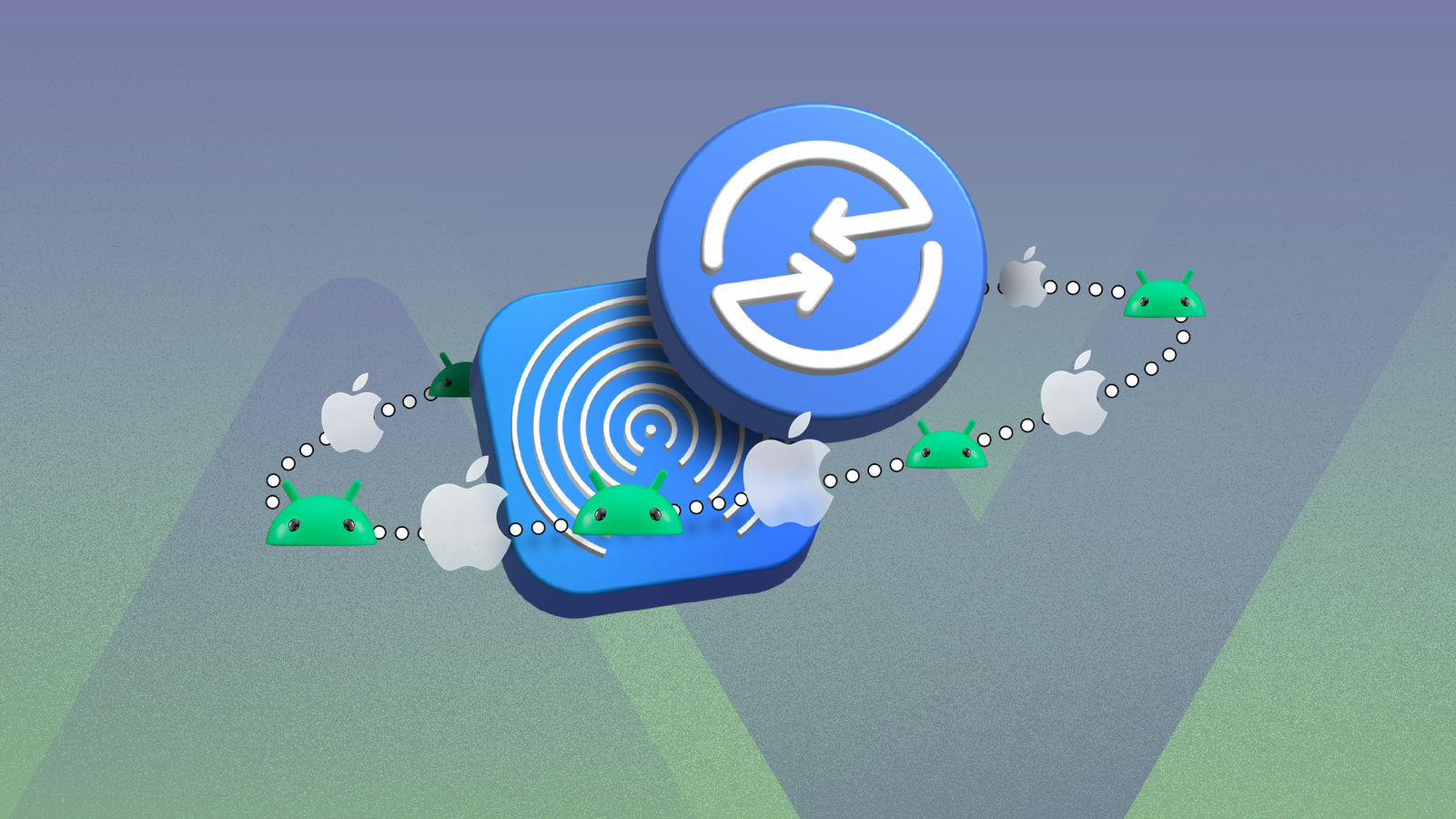
Samsung's One UI 8.5 beta is quietly reshaping how Galaxy phones talk to the wider world. Over the last few weeks the company has expanded the beta to cover more handsets — and with that roll‑out comes something many Android users long wanted: built‑in AirDrop compatibility via Samsung's Quick Share.
Which Galaxies can beam files to iPhones now?
If your phone is on the One UI 8.5 beta and shows the updated Quick Share options, you could soon see nearby iPhones, iPads and Macs in the share sheet. Samsung (and reporting from outlets tracking the beta) lists the following flagships as supporting AirDrop via Quick Share once they have the One UI 8.5 beta installed:
- Galaxy S25, S25+ and S25 Ultra
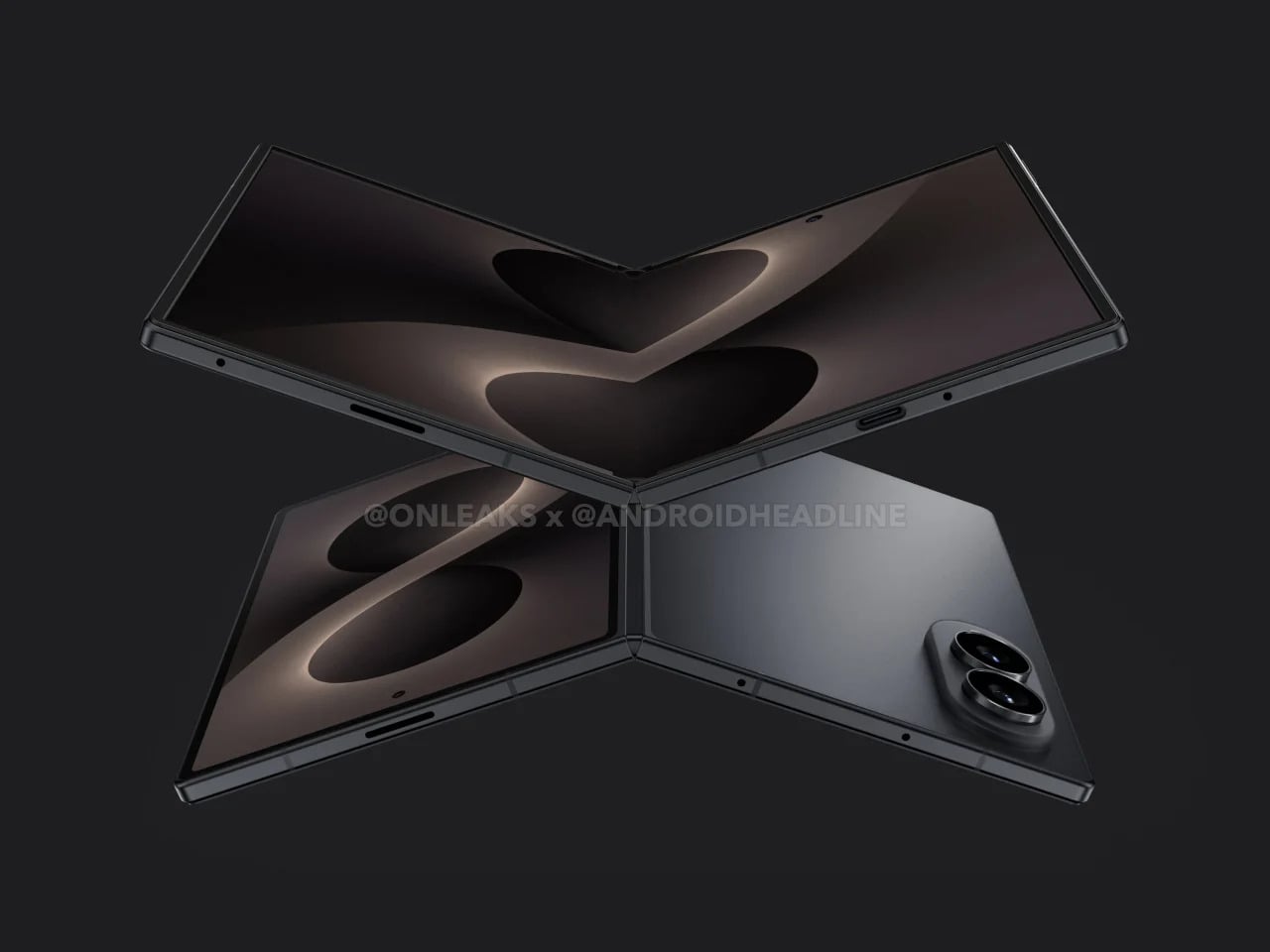
- Galaxy Z Fold 7 and Z Flip 7
- Galaxy S24, S24+ and S24 Ultra
- Galaxy Z Fold 6 and Z Flip 6
- Open Settings -> Connected devices -> Quick Share and toggle on "Share with Apple devices".
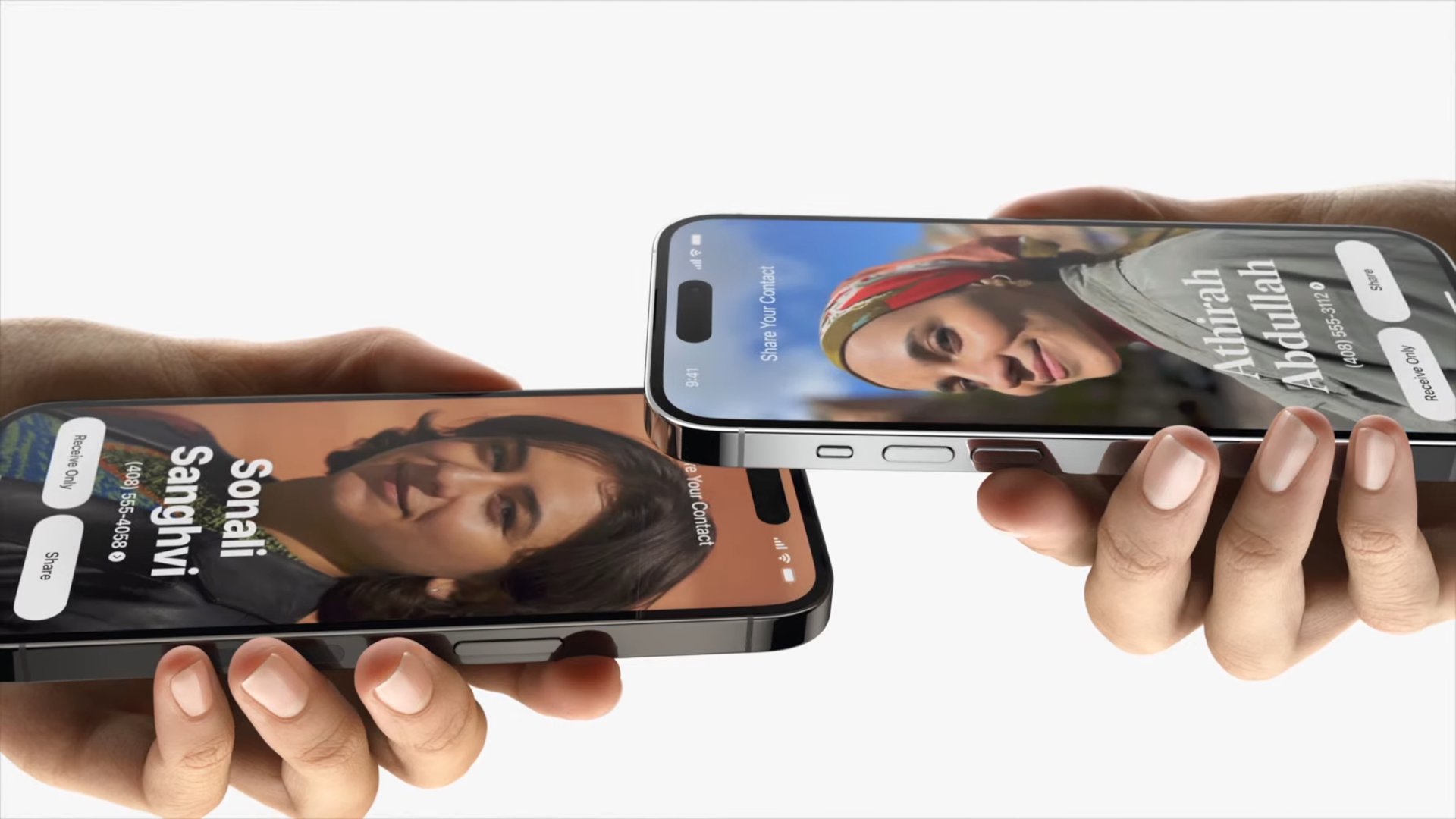
- When you tap Share from Photos or another app, pick Quick Share. Nearby Apple devices should appear if they’re discoverable.
- On the iPhone/iPad/Mac you’ll see the usual AirDrop accept/reject prompt and the transferred file will land in the relevant app (Photos for images, Files for documents, etc.).
Samsung has said availability is phased by region — the US, UK, India and South Korea were singled out for early batches — so not every compatible device will see AirDrop in Quick Share at the same time.
That set joins a small roster of Pixel phones that Google already updated to speak Apple’s AirDrop protocol, so the barrier between Android and iOS file‑sharing is finally coming down.
How it works on your Galaxy (and how to set it up)
AirDrop shows up inside Quick Share, Samsung’s proximity transfer feature. On a Galaxy that has received the update:
To receive from an Apple device, put your Galaxy into receiving mode by swiping down with two fingers to open Quick Share and choosing Quick Share Contacts (or adjusting "Who can share with you" in Quick Share settings).
If you use a Pixel, the Quick Share entry lives under Settings -> Connected devices -> Connection preferences -> Quick Share; the mechanics are effectively the same.
Not every phone in the beta gets cross‑platform sharing (yet)
Some older flagships are in the One UI 8.5 beta pool but aren’t included in the list of devices that can use Quick Share with Apple devices. Devices such as the Galaxy S23, S23 FE, Z Fold 5 and Z Flip 5 are in the beta program, but at the moment they aren’t on the published compatibility list for AirDrop bridging. Samsung has indicated it will add more devices to the beta later this month, so that could change.
If you’re curious (or impatient), the Samsung Members app is where you enroll in the beta and get the software push.
Security and quirks to be aware of
This implementation keeps the familiar AirDrop safety net: recipients must accept transfers, and both platforms offer visibility settings to limit who can find your device. Still, this cross‑platform handshake is new territory — expect regional delays, staggered availability and a few rough edges during the beta.
Some users testing One UI 8.5 have already found small UI regressions and feature changes (for example, third‑party custom fonts have been quietly blocked in the update), so weigh the desire for AirDrop compatibility against other tradeoffs if you’re thinking of running beta software. You can read more about that particular change in One UI 8.5 in our deeper look at the update’s font policy here.
Little wins, bigger implications
This is the kind of interoperability that sounds small until you use it — sending a photo to a friend with an iPhone, handing off a document to a colleague’s Mac, moving a video between platforms without cloud uploads or clumsy workarounds. Samsung’s move follows Google’s earlier AirDrop additions to Pixels, and together they nudge the mobile ecosystem toward calmer, less tribal sharing.
If you want a quick refresher on Samsung’s initial S26 AirDrop support and what the company announced earlier, we’ve already covered how Samsung first opened Quick Share to Apple devices in our Galaxy S26 feature writeups here and here.
If you’re testing the One UI 8.5 beta, keep an eye on the Samsung Members app for the update banner. For everyone else: expect a gradual roll‑out, a little fiddling with settings the first time, and—finally—less friction when sharing files across the Android/iPhone divide.