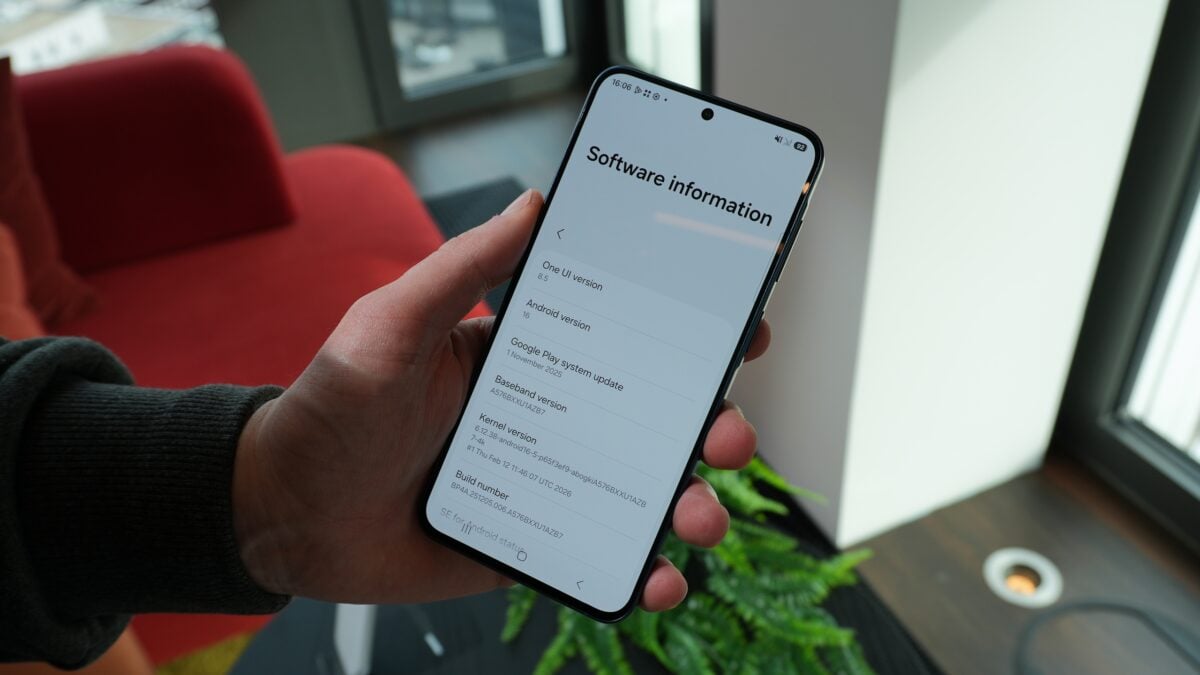
Love quirky fonts on your Galaxy? If you updated to One UI 8.5 or grabbed Samsung’s March 2026 security patch, you may have noticed those unofficial fonts disappearing — or becoming impossible to reapply.
The short version
A March security update bundled with One UI 8.5 tightened how Samsung validates fonts. The change stops unauthorized font packages (the sort installed by apps like zFont 3) from being accepted by the system. For many users that meant custom fonts either reset during the update or were blocked from being selected afterward.
What Samsung changed — and why it matters
In the company’s March release notes Samsung describes a fix for “improper verification of cryptographic signature in Font Settings” (CVE-2026-20989). In plain terms: One UI now checks font APKs more strictly. Community reverse‑engineering shows the check compares the SHA‑256 hash of an APK’s signing certificate to a couple of hardcoded values — effectively allowing only fonts signed by Samsung or its contracted font partner (Monotype) to pass.
That sounds dry, but the effect is blunt. Fonts installed through unofficial tools are treated as unsupported. Phones will sometimes display a message when you try to apply one: “This font is not supported. Contact the font provider. Uninstall this font?” In some cases a custom font survives the update only if you never change it afterward; attempt a swap and it’s gone for good.
Why did Samsung do this? The patch notes flag the risk as a “moderate” issue and mention physical attackers. The worry: an improperly validated font package could be used as a vector by someone with access to a device to run code or otherwise tamper with the system. In other words, a cosmetic looph potentially had a security downside, so Samsung closed it.
Real users, real frustration
Reports spilled onto r/OneUI and various community forums right after the update rolled out. Developers behind zFont 3 have confirmed their app no longer works on non‑rooted devices running One UI 8.5. Community tests suggest attempts to bypass the restriction failed because the certificate hashes are hardcoded in the settings app (no network check, no revocation list — just baked‑in values).
Some tried restores (Smart Switch, Samsung Cloud) to bring back fonts; those routes were also blocked in community testing. Rooting remains a workaround for those willing to accept the risks and complexity, but for most users the practical options are limited: don't update, or if you already did, don't fiddle with font settings.
The trade‑off: security vs. customization
It’s an awkward spot. Samsung’s One UI has long been one of Android’s most customizable skins, and fonts are a big piece of that personalization. But companies increasingly prioritize closing attack surfaces even if it trims freedom for tinkerers. This move fits a broader trend of Samsung adding privacy and security features across its phones — a pattern that shows up elsewhere in recent firmware and hardware choices, from subtle privacy displays to cross‑platform sharing improvements like AirDrop via Quick Share on newer Galaxy builds (privacy screen under your thumb, AirDrop via Quick Share).
What you can do now
- If you haven’t updated and a custom font matters to you, don’t install the March 2026 patch or the One UI 8.5 build until there’s more clarity. That’s obviously imperfect advice — security updates are important — but it’s the only real way to keep third‑party fonts working untouched.
- If you already updated and the font still looks fine, resist the urge to switch fonts. Community reports show switching can irreversibly remove the custom option.
- Rooting can restore functionality for experienced users who accept the tradeoffs. It’s not recommended for most people.
- Consider buying fonts through the Galaxy Store; those remain supported because they pass Samsung’s validation.
This isn’t the end of the story. If you care about phone personalization, watch for developer workarounds, an update from Samsung that clarifies the change, or an official API path for trusted third‑party fonts. For now, the quirky caseload of user‑installed fonts has been traded for a smaller — but harder to ignore — security fix.