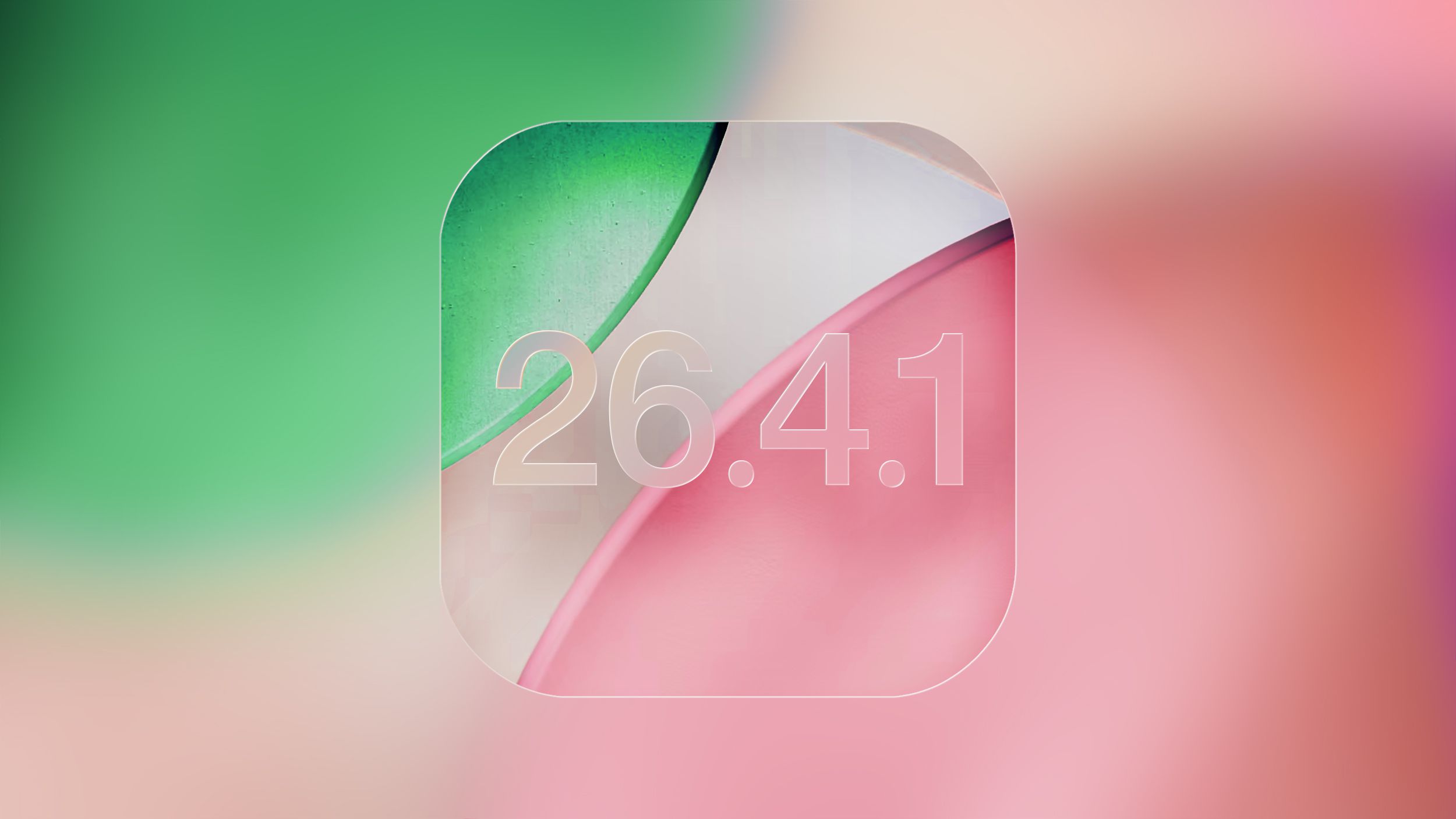
Apple quietly flipped a switch on April 15: iOS 26.4 is no longer being signed, which means anyone who has moved their iPhone to iOS 26.4.1 can no longer roll back to the prior release.
Why that matters
When Apple “signs” an iOS build, its servers will verify and allow installation of that specific software. Once signing ends, the only way onto that older build is gone — the macOS Finder or Apple Devices app for Windows won’t help. For most people this is a routine housekeeping step: Apple typically stops signing prior versions roughly a week after a follow-up update ships. The practical result here is simple: if you updated to 26.4.1 and are unhappy with anything in it, you’ve missed the downgrade window.
What changed in 26.4.1
Released about a week before signing stopped, iOS 26.4.1 was a modest maintenance update. Apple’s notes were short — “bug fixes” — and the company didn’t post any new CVE entries tied to the build. Still, users and reporters noticed a couple of concrete fixes: the update repaired an iCloud syncing issue that affected CloudKit-backed apps and also finalized behavior around Stolen Device Protection for business-managed devices.
Stolen Device Protection (SDP), the anti-tamper feature introduced in 2024 that requires biometric confirmation for some sensitive device changes, had already been made the default on consumer iPhones with 26.4. But enterprises were not receiving the same automatic flip — until 26.4.1. With this patch, devices updating from 26.4 to 26.4.1 get SDP enabled by default, which is an important detail for IT teams rolling out managed fleets.
A note for the cautious and the curious
If you’re the sort who delays updates to wait for stability, you don’t need to panic: stopping signing is essentially Apple signaling that it considers the newer release the one people should run. That said, if you depend on a specific app or workflow tied to 26.4 behavior, this is the moment to check whether that app functions as expected on 26.4.1. And if you haven’t installed 26.4.1 yet, you can get it by going to Settings > General > Software Update and tapping Update Now.
A small patch, a wider pattern
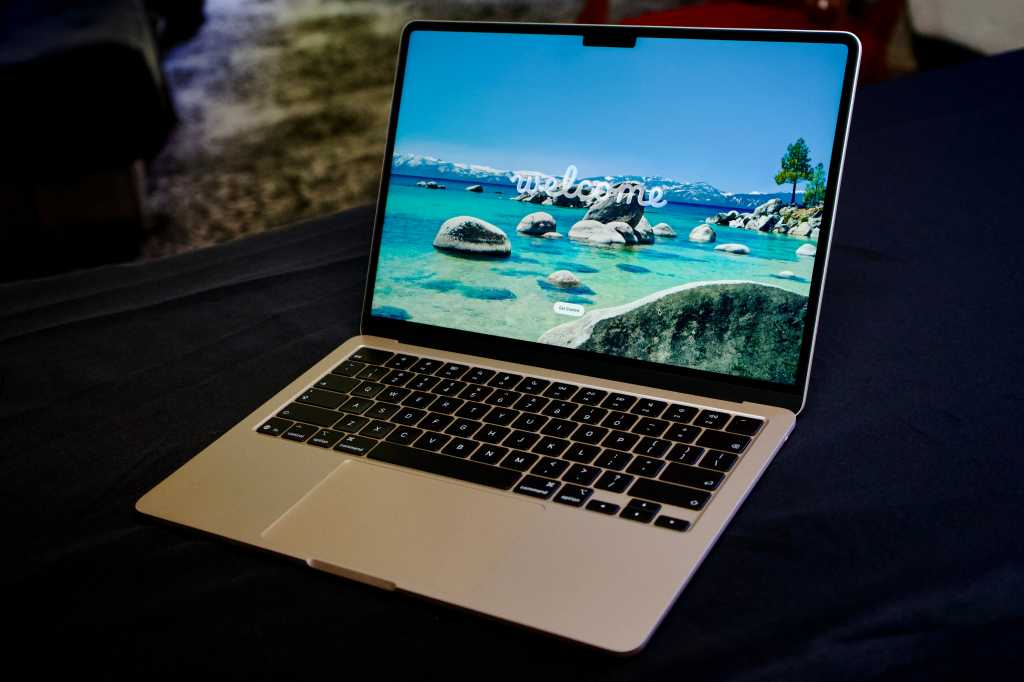
This episode is part of Apple’s steady stream of small, targeted updates: alongside iOS 26.4.1, Apple also pushed a macOS Tahoe 26.4.1 update that fixed Wi‑Fi connection problems on certain M5 MacBook models and resolved some Intel-era icon issues. These incremental fixes are becoming the company’s preferred way to tidy up issues between larger releases.
Apple is already testing the next iteration, with an iOS 26.5 developer beta available — so while 26.4 is gone, the platform continues to evolve. If you want a refresher on what arrived with 26.4 in the first place, the update introduced things like Playlist Playground and a few fresh emoji that are worth poking at in your free time, as covered in our round-up of iOS 26.4 features. And for a peek at what Apple is experimenting with next, check out the early notes from the iOS 26.5 developer beta.
If you manage devices for a workplace
IT administrators should take particular note: automatic enabling of Stolen Device Protection on enterprise-updated devices changes the security posture of managed fleets and could affect enrollment scripts, MDM profiles, or help-desk procedures. Verify policies and user communications before a bulk rollout to avoid surprise support tickets.
Small update, tangible consequences. Apple’s decision to stop signing 26.4 closes a door for downgrades but nudges the ecosystem toward the patched, current release — and that’s precisely the point.