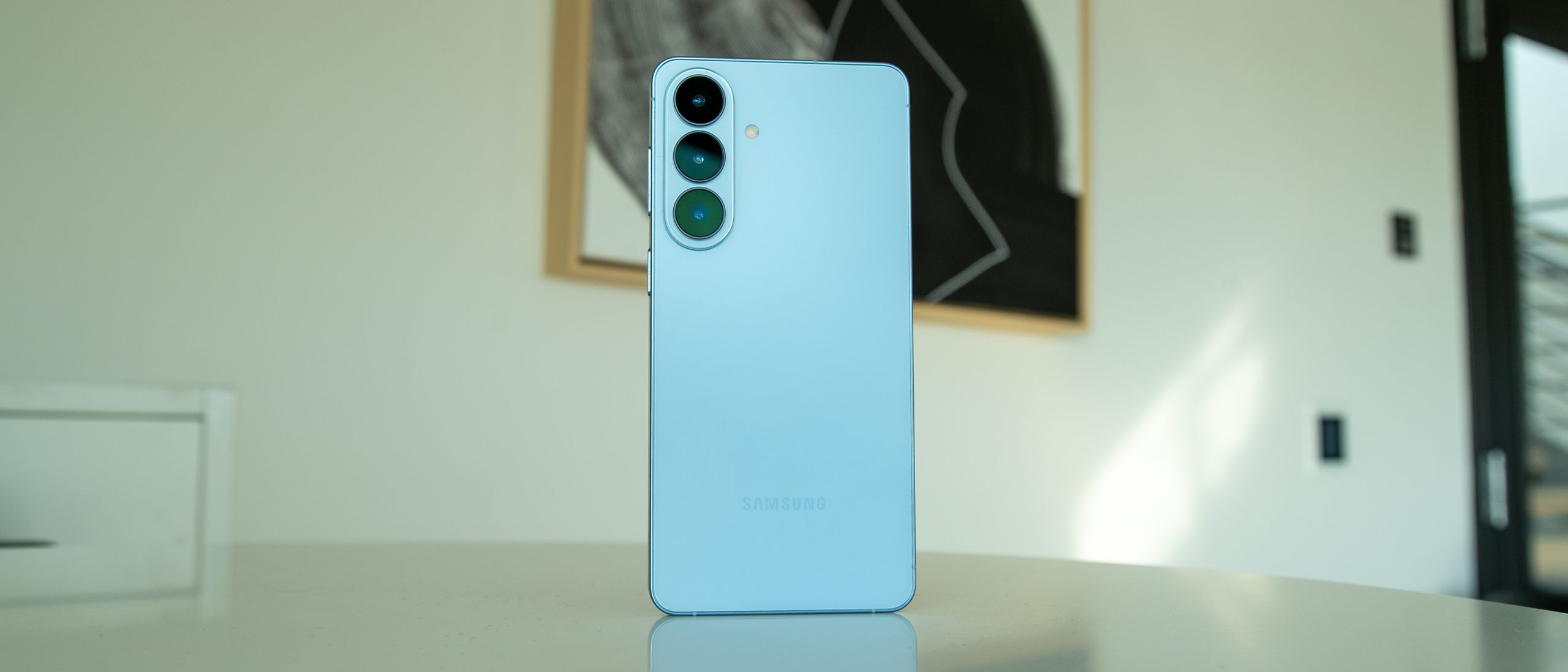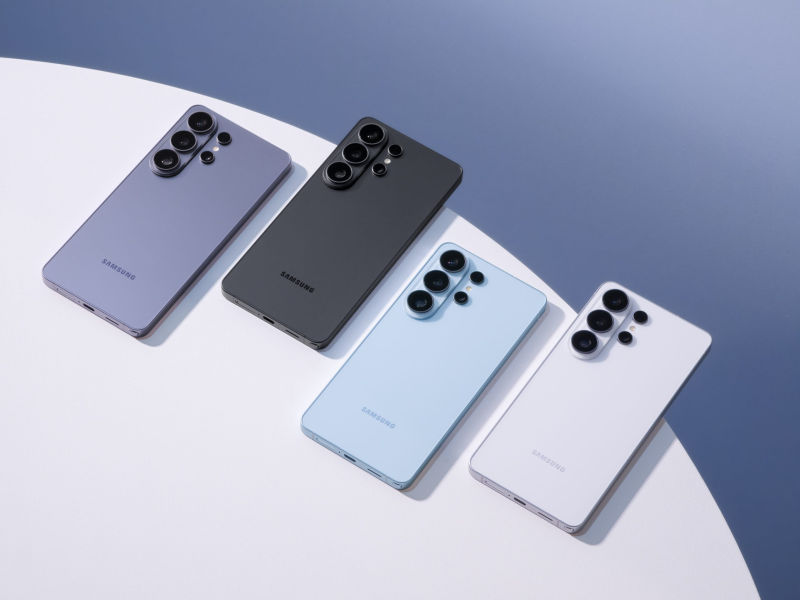
The Galaxy S26 Ultra arrives like a polished encore: you know the moves, but there are a few new tricks that make you sit up. It’s the same glass-and-metal silhouette Samsung has refined for years, yet inside it stitches together stronger on-device AI, a thicker handful of software tricks and one headline-grabbing hardware-software blend — a built-in privacy screen that actually works.
What it is — and what changed
Under the hood sits Qualcomm’s Snapdragon 8 Elite Gen 5 and up to 16GB of RAM, driving a 6.9‑inch dynamic AMOLED display at up to 120Hz and a 5,000mAh battery. Storage tops out at 1TB, there’s an S‑Pen in the chassis, and yes — no microSD slot. The camera array is familiar too: a 200MP main sensor paired with 50MP ultrawide and telephoto modules (the telephoto delivering around 5x optical reach). Those specs read like a spec-sheet refresher, but the real updates live in software and small hardware nudges: marginally wider aperture on the main camera, a new take on on-device AI, and the Privacy Display.
Design-wise the phone is thin (about 7.9mm) and still wobbles on a table unless you case it up. That won’t matter to everyone, but it’s the kind of tiny annoyance you notice when you’ve seen it all before.
Privacy Display: useful, with visual costs
The S26 Ultra’s Privacy Display reduces viewing angles at a software level, making it hard for people sitting beside or behind you to peek. It’s effective — genuinely so — which is rare for a feature like this. But it’s not free: enabling the privacy mode gives the screen a slightly gray, desaturated look that can wash out colors and dim the joy you get from Samsung’s excellent panel. You can toggle it for notifications only, or use a maximum protection mode if you’re handling sensitive info. If you want a deeper explainer, Samsung’s experiment with the privacy screen is covered in detail in our earlier piece on the feature Samsung’s Galaxy S26 Ultra puts a privacy screen under your thumb — with trade-offs.
Cameras: pixel wars meet old-school lessons
Samsung’s image processing is unabashedly punchy. The 200MP sensor pulls in detail and produces bright, Instagram-ready shots with lively color. Night photos are impressive — the phone lifts shadow detail and suppresses noise in ways that used to require tripod-mounted DSLRs.
Yet not everyone misses the “flaws.” Some older cameras, like the 2013 Nokia Lumia 1020, taught a different lesson: sensor size and natural tonal response can create mood, atmosphere and a sense of place that extreme computational brightening sometimes erases. The S26 Ultra wins in sheer capability — more light, more dynamic range, better zoom — but there’s an argument that modern phones occasionally overcorrect for darkness and strip away ambiance. If you care about mood in low light, be prepared to tweak the processing or lean into manual modes.
Two practical camera notes: Horizon Lock for steadier super-steady video helps keep shots level even if you twist around while recording, and the telephoto is finally useful for wildlife or distant subjects thanks to its 5x optics.
Software and AI: helpful, not magical
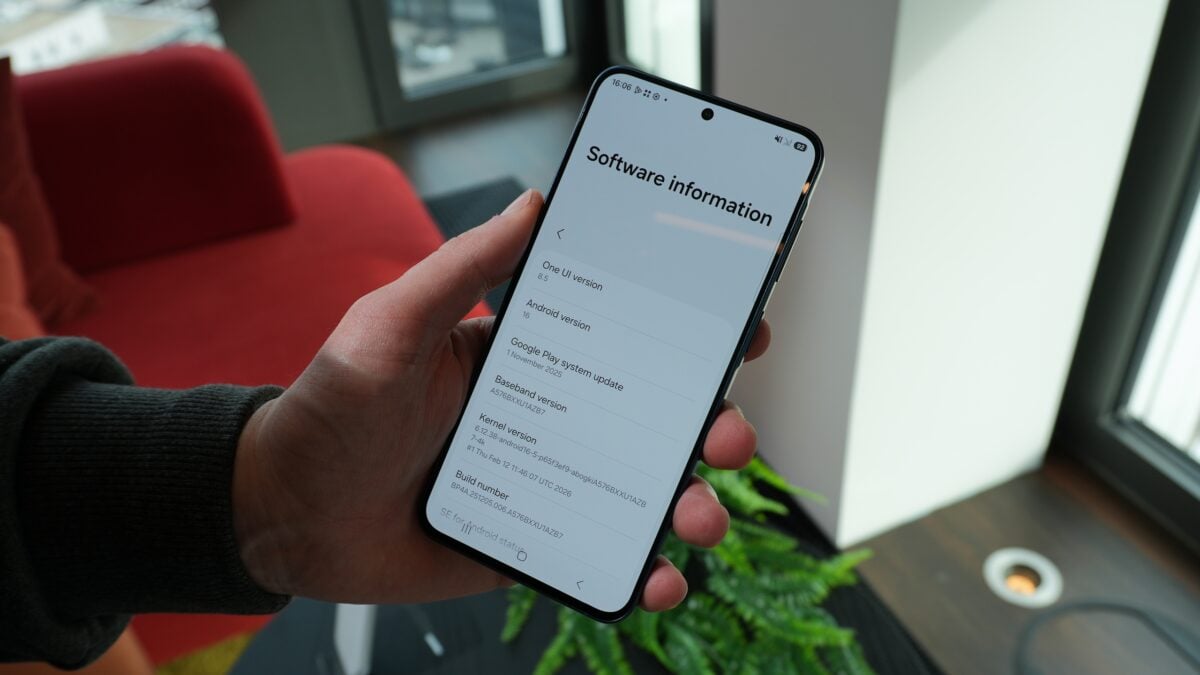
One UI 8.5 is stuffed with features that show off localized AI: Call Assist auto-screens and transcribes robocalls, the Now Brief feed nudges you with contextual cards, and smaller tools like in‑call translation and content-aware photo-editing are all faster thanks to a beefier NPU. Some of these feel like polished conveniences rather than true magic — the AI suggestions occasionally miss your habits — but the call-screening and transcription are genuinely useful day-to-day tools.
There are other practical additions tucked into One UI 8.5: an inactivity-restart security mode that reboots the phone into a stricter state after 72 hours of nonuse, a private album baked into the gallery for sensitive media, and a smarter Quick Panel editor so you can lay out shortcuts the way you actually use them. If you like tips and tinkering, there’s a surprising amount you can do to make the S26 feel personal.
Tricks and hacks worth trying
- Use DeX to turn the phone into a desktop-like workspace when you plug into a monitor; One UI 8.5 expands the number of desktop spaces you can keep open.
- The S26 can act as a plug-and-play webcam for Windows and macOS — a neat option for creators and people stuck with poor laptop webcams. See the quick how-to in our guide to using the phone as a webcam Your Galaxy S26 can now double as a plug-and-play USB webcam.
- Audio Eraser now works in more places and can reduce background noise in videos in real time; useful for noisy restaurants or street interviews.
- Scam Detection runs locally and flags suspicious calls on the fly — not perfect, but often enough to save headaches.
Performance, gaming and battery
The S26 Ultra is fast. CPU-bound tasks and day-to-day performance feel immediate, and the NPU keeps the AI features snappy. Gaming is the area with mixed results: in some synthetic GPU benchmarks the S26 trails other phones using the same chip, suggesting Samsung may be tuning for efficiency or thermals rather than raw peak frames. In practical play — everything from high-refresh mobile titles to on-device video editing — the phone performs fine, and Samsung’s gaming overlay gives you performance modes if you want more sustained power.
Battery life is strong. With a conservative eye on refresh rates and brightness, two days is attainable for many users; heavy use with 120Hz on still leaves you comfortably into the next day. That 5,000mAh cell is doing work.
Sharing and cross‑platform niceties
Samsung has also bridged some ecosystem gaps: Quick Share now plays nicer with iPhones, making ad‑hoc sharing less of a pain when you’re trading photos or files with someone in the Apple camp. That smoother handoff is small but appreciated in mixed-device households. Learn how Samsung’s Quick Share now talks to iPhones in our feature about the update Samsung lets Galaxy S26 talk AirDrop — Quick Share Now Talks to iPhones.
Who should buy it — and who should wait
If you’re coming from a two‑to‑three-year-old phone, the S26 Ultra offers meaningful gains: faster silicon, better low-light imaging, longer battery life and a handful of privacy- and AI-first features you’ll use every day. If you upgraded last year, the case is thinner; this is an iterative model that refines rather than reinvents.
It’s also a bit of a judgment call: do you want bold, punchy smartphone photos with processing that makes life easy — or do you prefer a more restrained, film-like rendering that preserves atmosphere? Do you need the privacy display enough to accept its visual trade-offs? The S26 Ultra doesn’t force a single answer. Instead, it piles capable hardware under a thoughtful software layer and asks you which parts you’ll keep turned on.
At rare moments it feels like a phone in two modes: an unapologetically modern computational camera and a device that still remembers traditional photographic virtues. That tension is, in a way, the phone’s personality.