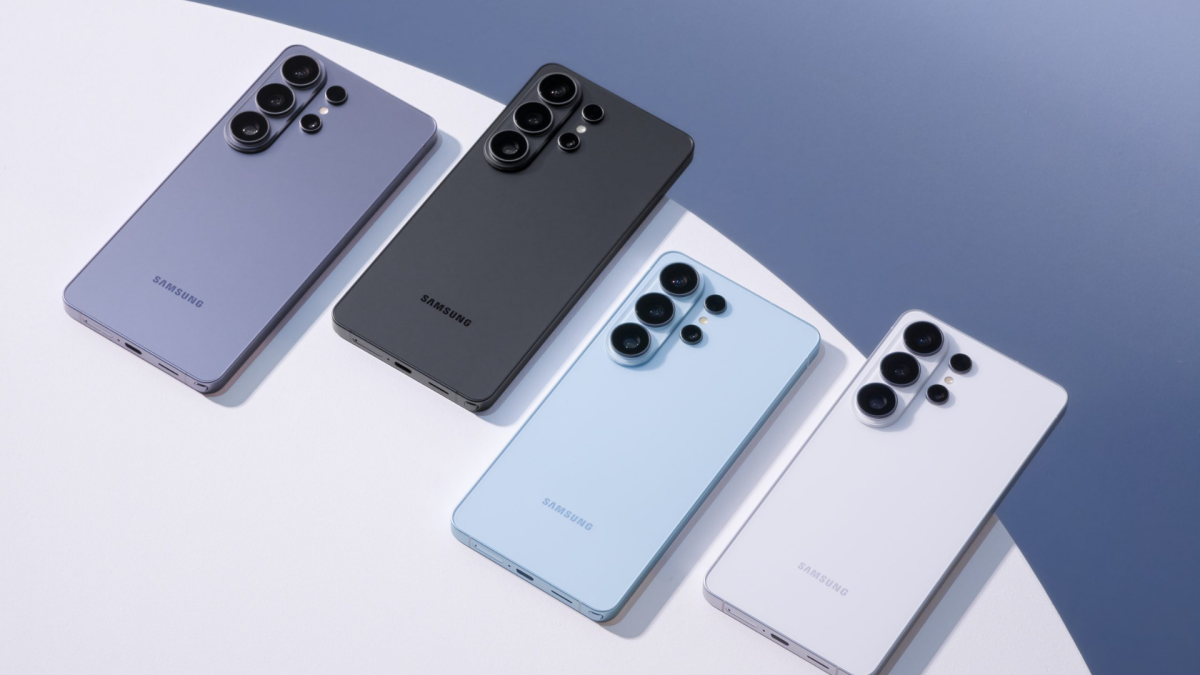
Tired of emailing photos or juggling cloud links just to send a single picture to an iPhone? Samsung is making that annoyance a little rarer.
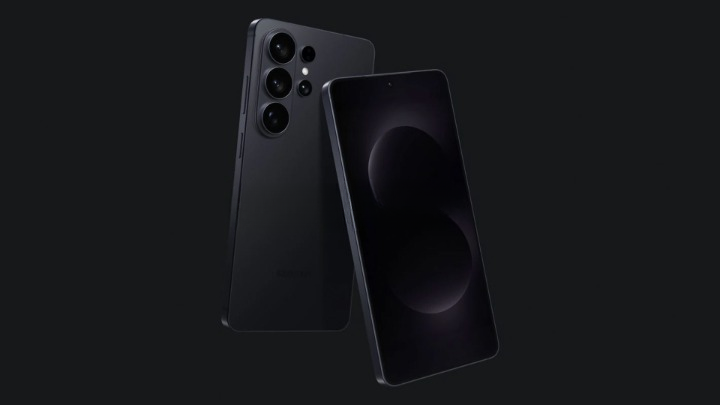
Starting this week Samsung is rolling out AirDrop support to its Quick Share feature on Galaxy S26 phones, letting S26 owners send files directly to iPhones and Macs using Apple’s AirDrop protocol. The update begins in South Korea, with U.S. users set to see the option later in the week and broader regional expansions — including Canada, Latin America, Europe, Southeast Asia, Hong Kong, Japan, and Taiwan — promised afterward.
What you need to know right away
The new capability arrives first on the Galaxy S26, S26 Plus, and S26 Ultra. It’s not on by default: to use it you’ll need to open Settings > Connected devices > Quick Share and toggle on a new “Share with Apple devices” option. Samsung’s guidance notes that both sides must have their sharing settings set to “Everyone” to transfer between a Galaxy and an Apple device.
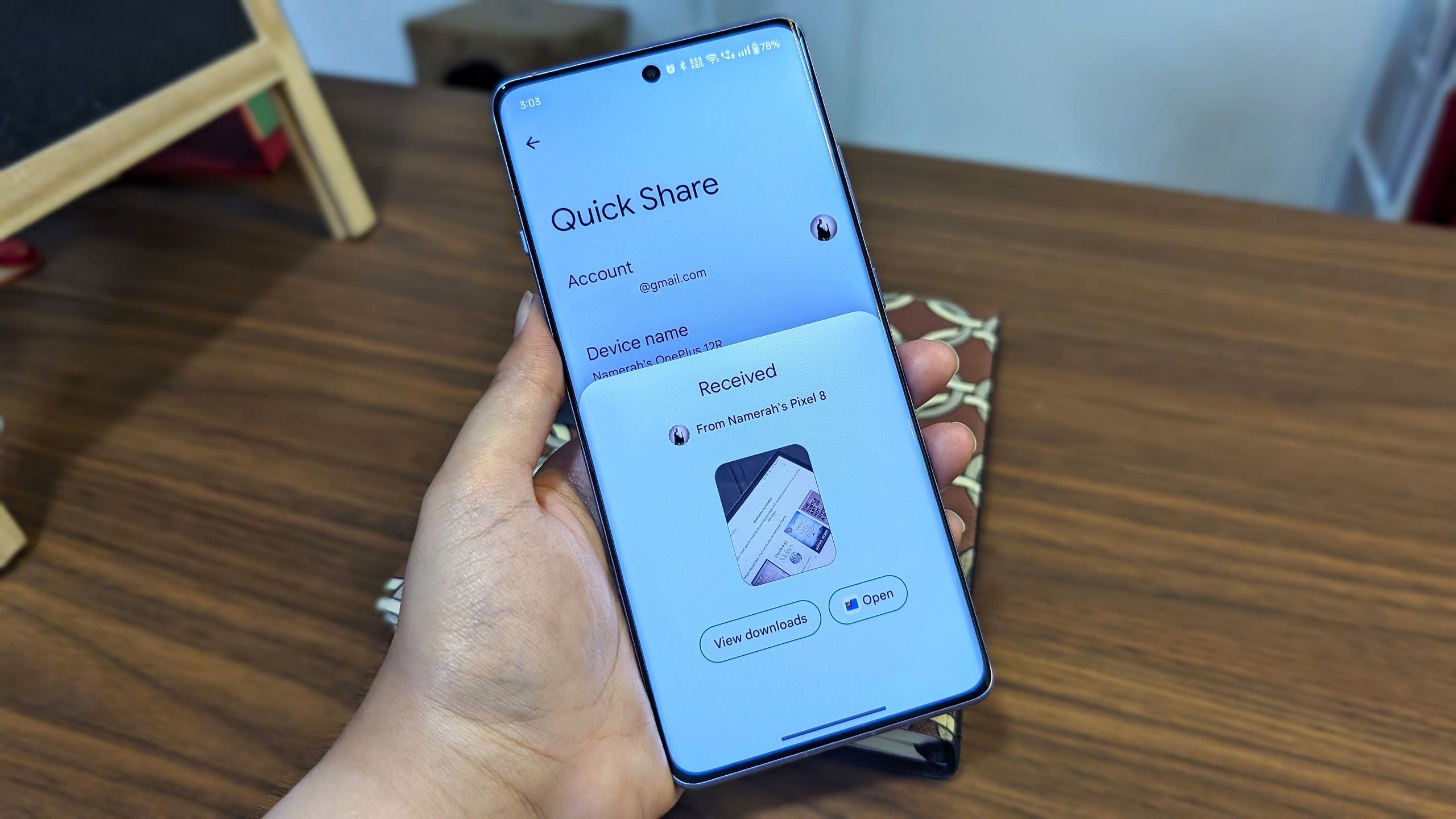
This marks another step toward cross-platform file sharing that actually works without workarounds. Quick Share — introduced on the Galaxy S20 in 2020 and later folded together with Google’s Nearby Share — has slowly expanded beyond Samsung phones to other Android devices and PCs. Google added its own AirDrop-compatible solution to Pixel phones last year, and Samsung is now the second major Android player to natively support Apple’s protocol.
Why this matters (and a few caveats)
Practical friction between ecosystems has been a perennial gripe: photos, videos or docs that could once transfer in seconds often required uploads, apps, or messy Bluetooth pairings. Letting a Galaxy and an iPhone hand files back and forth over a fast local link simplifies casual sharing in mixed households and offices.
That convenience comes with trade-offs. Because transfers rely on a permissive sharing mode, users should be mindful of when their phones are set to “Everyone.” Apple and Samsung both warn — and Quick Share’s settings reflect — that enabling cross-platform transfers will require loosening some default restrictions. If you care about tightening who can send you files, leave the setting off except when you need it.
Samsung says AirDrop compatibility will be added to more Galaxy devices at a later date, though it hasn’t published a full compatibility list yet.
Quick steps: turning it on
- Open Settings > Connected devices > Quick Share
- Tap “Share with Apple devices” and follow the on-screen prompts
- Set your visibility to “Everyone” on both the Galaxy and the receiving Apple device
If you want to read more about the update in Samsung’s own messaging and how it sits in the company’s Quick Share roadmap, see the hands-on context in our earlier coverage of the feature rollout (/news/galaxy-s26-airdrop-quick-share). And if you’re curious what else the S26 can do, the phone has picked up a few neat extras lately — including the ability to act as a plug-and-play USB webcam in certain setups (/news/galaxy-s26-webcam-usb-mode).
This is a small feature on paper, but a reminder that the technical walls between mobile ecosystems are getting easier to step over — when companies decide it’s worth doing.