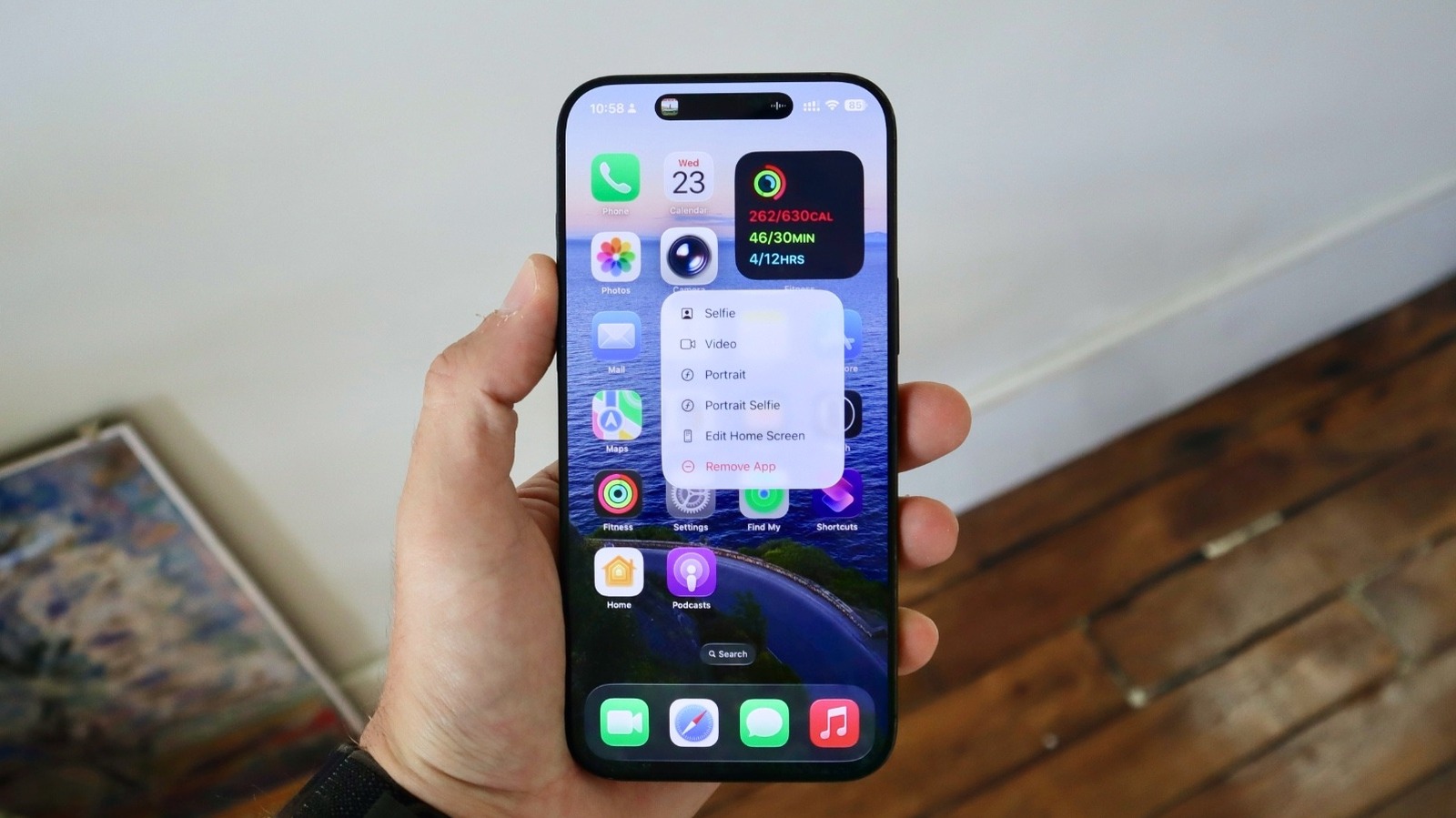
Apple has pushed iOS and iPadOS 26.4 to the public, a point release that quietly brings a surprising mix of polish, personality and practical fixes. If you updated today, your phone probably gained new emoji, a music-side AI that writes playlists for you, video support in Podcasts and a handful of interface and security tweaks that aim to smooth some of iOS 26's rougher edges.
Music gets an AI co‑producer
The headline feature for many will be Playlist Playground, Apple’s Apple Intelligence‑powered playlist generator. Type a prompt about mood, activity or vibe and the feature returns a curated tracklist, with a title and description — think Spotify’s playlist generator, but with Apple’s access to your listening history for more personalized picks. Apple also added an ambient music widget for Home Screen background sounds, an Upcoming Concerts tab in Apple Music (with nearby shows and artist recommendations), and Offline Music Recognition in Control Center that lets you Shazam songs while disconnected and shows the result once you’re back online.
These Apple Music tweaks are part of a broader push to make the app feel more curated and discovery‑oriented; if you want deeper context about the music changes and ambient widgets, we cover that in more detail in this piece about iOS 26.4’s music and Shazam additions iOS 26.4: New emojis (including a student-designed trombone) and offline Shazam arrive.
Emoji: a small army of new faces (and a chest of treasure)
As expected, iOS 26.4 brings the emoji set from Unicode 17.0 to Apple devices. The commonly reported count of eight brand‑new concepts is the short version: a Distorted Face (bulging, fisheye eyes), Ballet Dancer (now gender‑neutral with skin tone options), Treasure Chest, Hairy Creature (Bigfoot‑inspired), Orca, Trombone, Landslide and Fight Cloud — plus a large number of new skin tone combinations and a handful of subtle design tweaks to existing pictograms. Emojipedia notes that Apple implemented designs for many of the 163 new emoji assets in this release.
If you’ve been wondering why that distorted face looks familiar, there was talk about visual echoes of past Apple ads, but the emoji's design follows Unicode proposals emphasizing expressive, cartoonish distortion rather than referencing any single creative.
Podcasts get video, and creators get more flexibility
Apple Podcasts now embraces HLS video support. Listeners can switch between watching and listening, download video episodes for later and benefit from features that already exist for audio — transcripts, chapters, playback speeds and Enhance Dialogue. Apple says HLS video compatibility is widely available globally, which should open new monetization and ad placement opportunities for podcasters using supported platforms.
Small fixes that matter day to day
Several user-facing annoyances received attention. A longstanding keyboard bug that caused errors when typing rapidly appears to be fixed. There’s also a new Reduce Bright Effects option aimed at taming some of the flashy translucency and animation effects introduced with the Liquid Glass display on recent iPhones. If bright screen flashes or exuberant motion bothered you, that toggle helps.
iOS 26.4 also flips Stolen Device Protection on by default. Previously optional, this feature delays the ability to erase or reset a phone if the action happens outside of a familiar location, which makes common theft workarounds harder for thieves. You can turn it off in Settings if it interferes with your workflows, but most users will probably leave it enabled.
Health and system tweaks
Apple brought Blood Oxygen back into the Vitals overview in Health for U.S. users, and introduced a Sleep Highlight section to show trends across recent nights. On the macOS side, Tahoe 26.4 (rolling out alongside iOS) restores the compact Safari tab bar option and adds a customizable maximum charge level between 80 and 100 percent. watchOS 26.4 trims friction too, letting you start workouts with a single tap.
If you want a closer look at the small but meaningful interface changes — especially the ambient music widget and the keyboard fix — we wrote a focused rundown on those updates iOS 26.4 fixes the typing bug, brings Ambient Music widgets and fresh emoji. For broader perspective on how iOS 26 introduced AI and workflow changes throughout the year, see this overview of iOS 26's new directions iOS 26's little revolutions: Personal Voice, faster workflows and quiet fixes.
What didn’t make it
Not everything tested in the betas ships yet. Early builds hinted at end‑to‑end encryption for RCS messages and third‑party smartwatch notification forwarding in Europe, but these features are still pending — they may arrive in a later update once Apple completes testing and any regional rollouts.
Apple’s 26.4 update isn’t a blockbuster redesign. It’s more like a thoughtful maintenance visit with a few stylistic flourishes: new emojis to liven up chats, smarter playlisting, better podcast video support and fixes that should make daily use a little smoother. If you’ve delayed updates this year, there are enough practical improvements and security tweaks here to justify installing it now and poking through the new music and emoji options.