Not every update arrives with fanfare. Sometimes the most useful ones slip out with a single line in the release notes: “This update provides bug fixes for your device.” That’s essentially what Apple shipped with iOS 26.4.1 and macOS 26.4.1 — small, targeted fixes that matter if you ran into them.
If you’ve noticed apps behaving as if they live in different time zones — changes made on one device not showing up on another — this is the release you want. Developers flagged a regression in iOS 26.4 where devices stopped receiving iCloud change notifications via CloudKit. The effect: third‑party apps that rely on CloudKit (and even Apple’s Passwords app with its shared‑passwords feature) could stop syncing updates automatically. Apple’s follow‑up, iOS 26.4.1, restores that behavior.
What changed, and who sees it
- iOS 26.4.1: fixes the CloudKit/iCloud change‑notification regression affecting iPhones (official notes remain terse). The update is available for iPhone 11 and newer. If you’re on iPadOS 26.4.0 you may also have been affected; updating is the simplest fix.
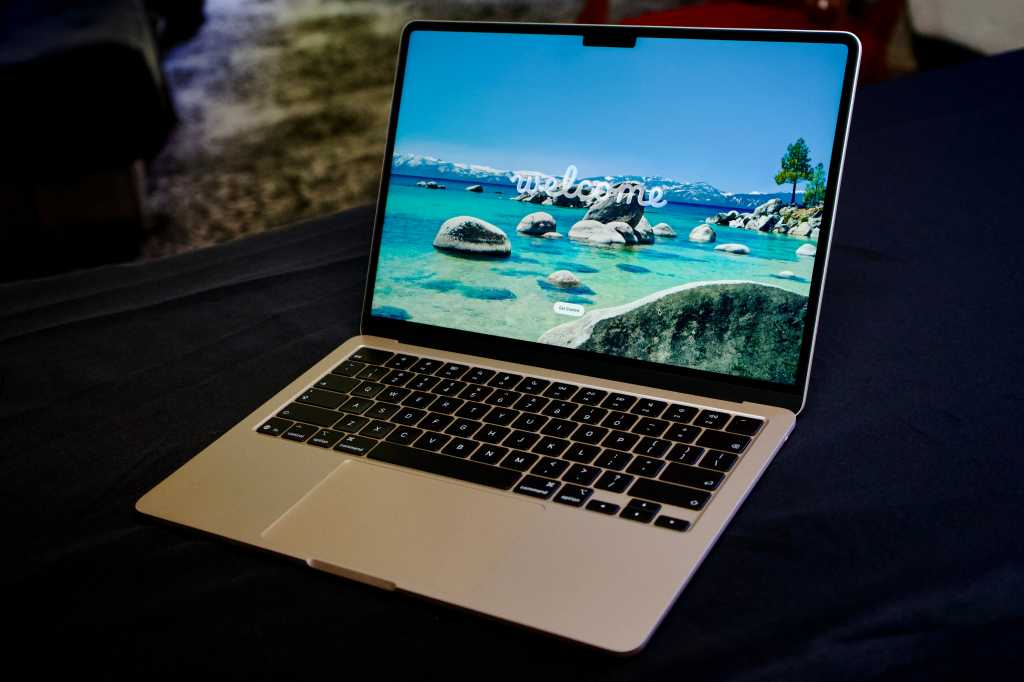
- macOS 26.4.1 (Tahoe): addresses a separate issue on recent M5 MacBook models where using content‑filter extensions could interfere with Wi‑Fi connections. That one’s narrow in scope — and specific to newer Apple silicon laptops.
Apple’s summary for both updates is short on detail, and neither release published new CVE entries. In plain English: these builds are primarily regression and stability fixes, not broad security patches.
A subtle security change: Stolen Device Protection
Alongside the sync and Wi‑Fi repairs, 26.4.1 quietly nudges device security. Stolen Device Protection (SDP) — the feature introduced in iOS 17.3 that makes certain sensitive actions require Face ID/Touch ID and, in some cases, a security delay — is now being turned on automatically for devices that update from 26.4 to 26.4.1. Apple’s enterprise documentation indicates this automatic enablement applies to managed devices as well, closing a gap where workplace‑managed phones might otherwise remain exposed to fast account changes after theft.
If you want to confirm the setting: open Settings > Face ID & Passcode > Stolen Device Protection. For most people, SDP stays quiet in the background; it only adds friction when a device is used from unfamiliar locations or when someone attempts high‑risk account changes (think: changing an Apple ID password, turning off Find My, or accessing saved passwords). That one‑hour delay for especially sensitive operations gives owners a window to react.
This default flip will please privacy‑minded users who prefer stronger protections turned on by default. It may annoy power users or enterprise admins who need predictable workflows, so expect some discussion about whether defaults are always the right defaults.
How to get the updates
You don’t need to wrestle with installers: go to Settings > General > Software Update on your iPhone or System Settings > General > Software Update on a Mac. A restart is required on macOS to complete installation.
If you’re in Apple’s beta program, the CloudKit fix was already present in the iOS 26.5 developer builds, so public testers may have seen the behavior corrected earlier.
Why Apple keeps release notes terse
There’s a pattern here: Apple often uses compact “bug fixes” notes for minor builds. That keeps public messaging simple, but it forces developers and power users to dig through forum threads or enterprise docs to understand what actually changed. For people impacted by the iCloud regression, however, the practical difference is immediate: updates that restore background sync are worth installing sooner rather than later.
If you want background on the broader 26.4 package — the one that introduced Playlist Playground, new emojis and other small tweaks earlier this spring — see our coverage of the March release and how those smaller changes fit into iOS 26’s rollout. You can also read more about the range of small tweaks Apple bundled into iOS 26.4 and why they matter for everyday usage.
Apple’s recent cadence — small fixes patches followed by occasional nudges to default security settings — suggests a twofold approach: fix regressions quickly, and incrementally harden defaults so users are safer even if they don’t dig through security menus.
If you’ve seen weird syncing behavior lately, or if you manage devices for a company, install 26.4.1 and double‑check Stolen Device Protection settings. For everyone else, the update should be unobtrusive: a quiet little patch that quietly makes things work the way they used to.
the March iOS 26.4 update that added Playlist Playground and new emojis and the earlier write‑up on iOS 26.4’s small but practical changes provide helpful context if you want to dig into what arrived just before this band‑aid release.(/news/ios-26-4-features-and-fixes)