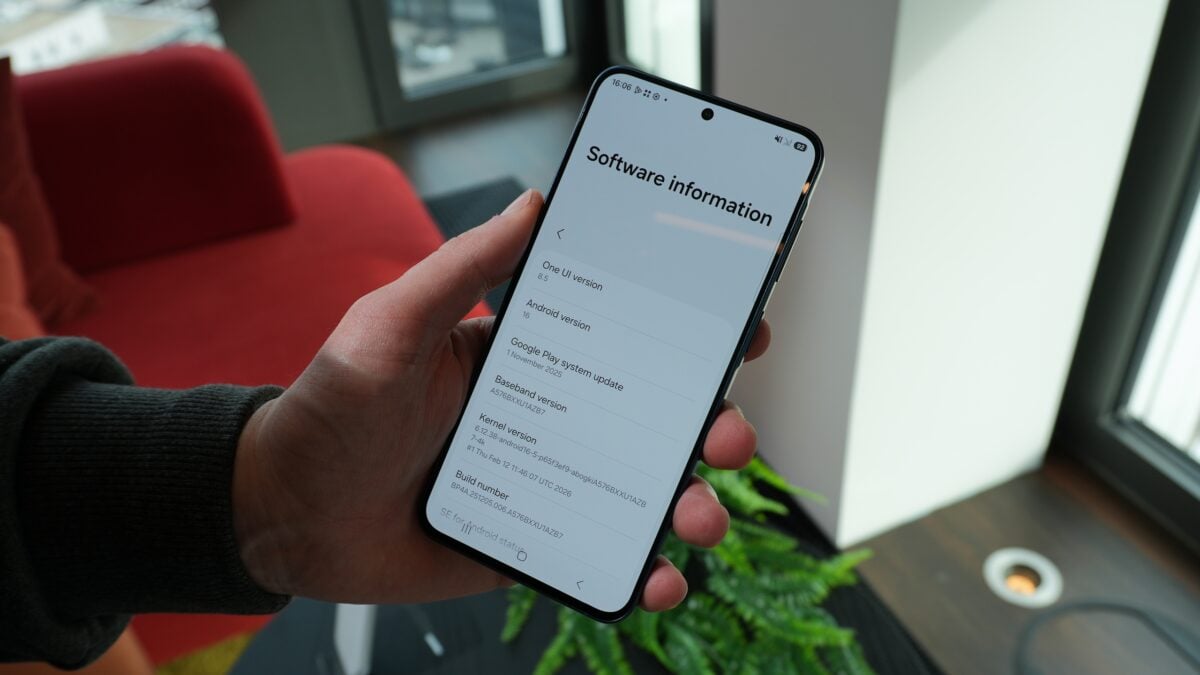
Android appears to be quietly building a smarter way to tame the constant buzz: a feature called “Notification Rules” has been spotted in Android 17 Beta 3, and traces of the same system popped up in leaked One UI 9 builds. The clues are strings in the beta code, but they sketch out something more flexible than today’s app-level toggles.
What the strings reveal
Developers digging through Android 17 Beta 3 found labeled UI strings for a “Notification Rules” interface where you can create rules based on either apps or people. Once a rule matches, the system can take one of five actions: Silence, Block, Silence & Bundle, Highlight, and Highlight & Alert. Those labels are blunt and useful — Silence mutes, Block prevents the notification from appearing, and Silence & Bundle suggests grouping quieter alerts together rather than letting them hound your lock screen.
“Highlight” and “Highlight & Alert” are the slightly mysterious bits. They hint at a way to visually or functionally prioritize a notification — imagine messages from one contact bumped to the top of the queue or given special treatment (vibration, sound, or an expanded preview) even while everything else stays muted.
If you want to see where this work is coming from, Google’s Android 17 beta notes include a broader list of changes in this cycle, and the Notification Rules strings were tucked into Beta 3 alongside other refinements. Developers have flagged the feature as present in the platform code but not yet surfaced in the running beta build, so it’s still a work in progress. For more on what else landed in Beta 3, check the overview of Android 17 Beta 3 features.
Why this matters (and how you might use it)
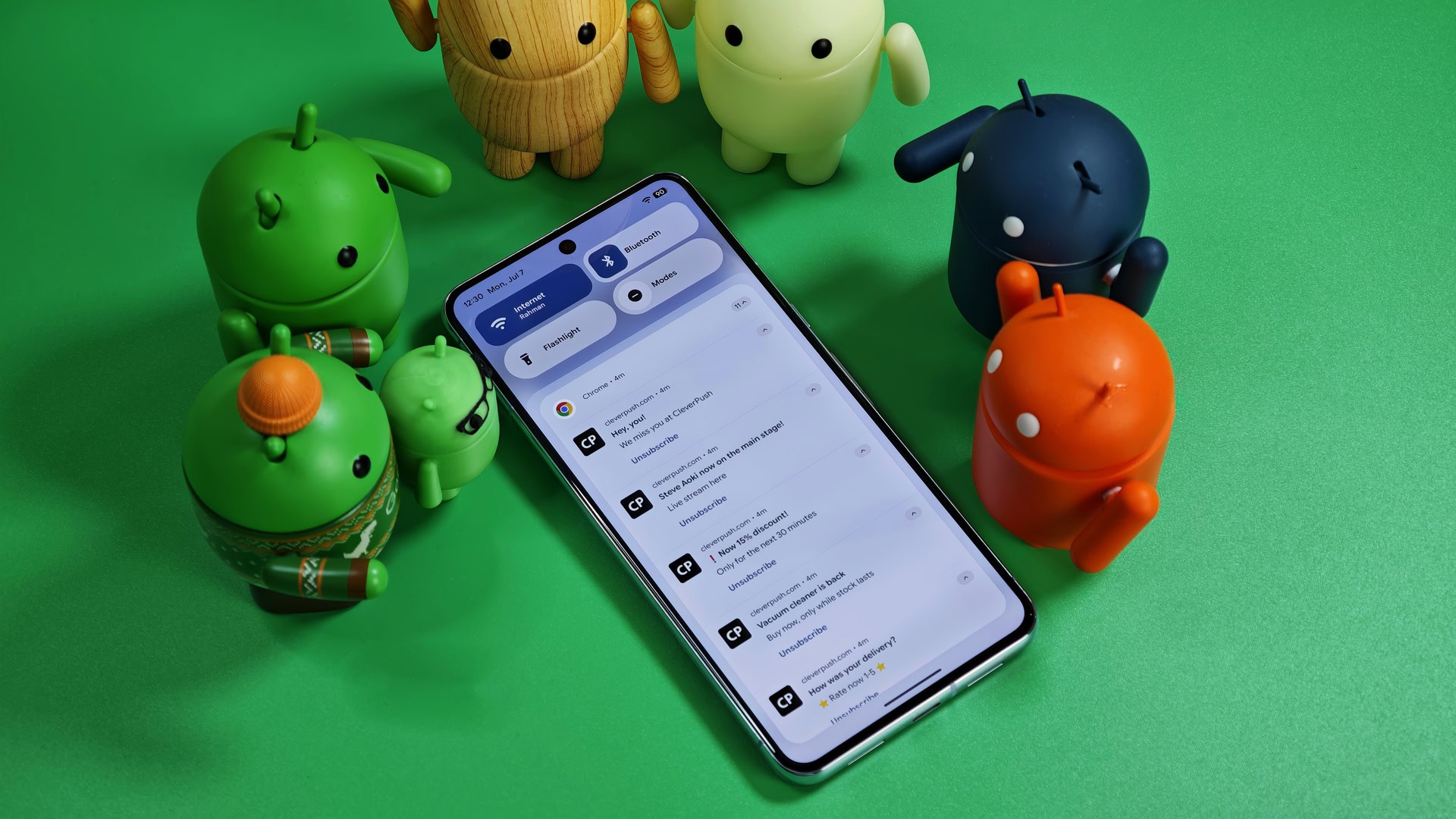
Notifications are one of those things that feel small until they eat your attention. Android already has better granularity than many rivals — channels, cooldowns, priority modes, the Notification Organizer — but those tools often require digging through settings. Rules could automate the process.
Practical examples: mute a noisy group chat but keep direct messages from your partner audible; block persistent spammy app notices without uninstalling the app; bundle all low-priority alerts from a social app so they don’t flood your lock screen. Third-party apps such as BuzzKill already experimented with keyword-driven and contextual notification handling, but a built-in, system-level rule engine would be more reliable and battery-friendly.
There’s another practical angle: Samsung seems to be prepared to adopt the same idea in One UI 9, which suggests this won’t be a Pixel-only nicety. Samsung’s customizations and the company’s frequent tweaks to notifications mean we could see early, user-facing implementations on Galaxy devices — a useful thing to remember if you follow how Samsung layers features on top of Android. Samsung’s recent moves to make sharing and device interactions friendlier (for example, Quick Share improvements) show the company is already active in this space; some of that playbook could apply to notifications on the Galaxy S26 line and beyond. See how Samsung’s sharing work is evolving in the Quick Share story on the Galaxy S26 (/news/galaxy-s26-airdrop-quick-share).
Timing and caveats
A few important notes: Android 17 has reached Platform Stability, which locks APIs for developers, but Google hasn’t announced Notification Rules officially and the UI isn’t present in the public beta build. That suggests the feature might miss Android 17’s initial launch and arrive in a later quarterly platform release (QPR) instead. Leaked One UI code showing similar strings increases the odds it ships broadly, but code strings are not guarantees — features get added, reworked, or dropped during development.
For now, treat Notification Rules as a likely direction rather than a finished product. If it matures, it could make Android’s notification toolkit both smarter and less fiddly — the OS could stop asking you to micromanage dozens of apps and start answering, "Which ones actually matter to you?" on your behalf.
Either way, this is one of those small plumbing upgrades that could change daily phone life more than a flashy camera spec. Keep an eye on future Android 17 updates and Samsung releases to see how (or when) the rules get an interface and settings that ordinary users can tweak.