Google’s Android 17 Beta 3 landed this week and, for the first time in months, it feels like a polish pass on the OS rather than a floor-to-ceiling redesign. The update mixes small quality-of-life reversions with a few bold moves — most visible among them: the return of the single-tap Wi‑Fi toggle, the rollout of bubbles for any app, and a buried “Priority Charging” feature hinted at in the code.
The little change that mattered
Arguably the simplest but most welcome tweak: the Wi‑Fi Quick Settings tile can now toggle your onboard Wi‑Fi with a single tap again. Since Android 12 Google replaced the old one-tap behavior with a unified Wi‑Fi panel, turning a one-step disconnect into a two-step hunt through a pop-up. Pixel owners have been particularly vocal about the extra friction. Beta 3 restores the direct toggle: with a 2×1 tile, tapping the left Wi‑Fi icon flips the radio on or off, while tapping the right side still opens the network pop-up. If you keep a 1×1 tile, the classic single‑tap behavior returns.
It’s a small UX reversal, but one that saves dozens of tiny, annoying moments — the kind of fix you mostly notice when it’s gone.
Floating apps: bubbles for everything
Beta 3 also makes the previously teased “bubble” multitasking idea more useful. You can now long-press most app icons and choose to open the app in a floating window that minimizes into a bubble — not just chat apps, but practically any application. On tablets and foldables this feels genuinely liberating: instead of juggling two full-screen apps or wrestling with split-screen ratios, you get a tiny, movable instance that you can tap to expand or flick to dismiss.
From my time testing on a Pixel 8 Pro, there didn’t seem to be a hard cap on how many apps you can bubble; six lived happily together on-screen during one test session. Bubbled apps don’t show up as separate cards in Recents, but their floating icons remain readily accessible. It’s an old idea — custom ROMs and a few OEM skins flirted with floating windows years ago — but Google’s implementation looks ready for everyday use.
Priority Charging: a peek under the hood
Not everything new is visible. An APK teardown uncovered strings for a feature called “Priority Charging,” which appears designed to squeeze a faster top-up out of short charging windows. The code suggests Android would temporarily pause background tasks (think app updates and noncritical background activity) and reallocate resources toward charging. There’s also a recommendation to use a 30W+ charger and language promising active temperature management so the battery stays within safe limits.
That implies Google is balancing speed and safety rather than simply pushing higher wattage. Priority Charging isn’t surfaced in the current settings UI, so consider it a work-in-progress — but a practical one. If you want to try this approach today, a good 30W+ USB‑C charger is the right tool; you can check options like a 30W+ USB‑C charger on Amazon.
Stability and a long list of fixes
Beta 3 hits platform stability, meaning APIs and behaviors are essentially locked for developers ahead of the final release. That milestone also brings a long roster of bug fixes: camera lens switching issues were resolved, random reboots and freezes were addressed, Bluetooth pairing hangs were fixed, and an important system UI loading slowdown after reboot was patched. The Wi‑Fi scanning framework also saw work, which should help analyzer apps and other utilities that rely on accurate scanning.
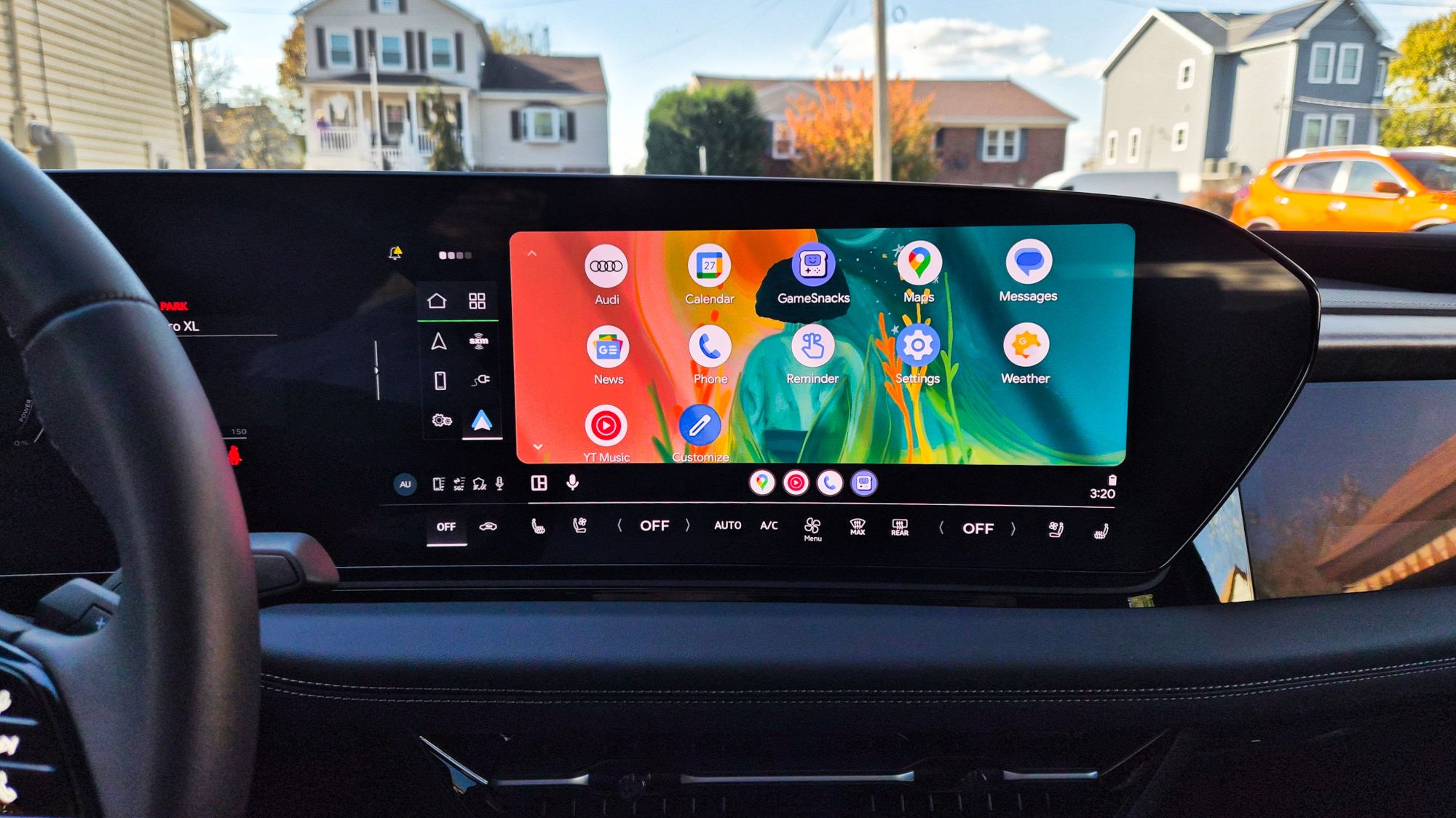
Crucially for drivers who’ve been bitten by flaky car integrations, Beta 3 includes fixes tied to Android Auto stability and issues that previously caused lock screen or Android Auto hangs. If you’ve been following related trouble with recent updates, this build is directly relevant — there’s complementary context in our piece about the Android Auto update causing headaches on Galaxy S26 and Pixel phones.
On a broader level, Google’s ongoing moves in automotive software — and how Android fits into vehicle platforms — are worth watching as Android stretches beyond phones into dashboards and cars. For background on that trajectory, see our look at how Android Automotive is changing in-car software.
Who gets it and what to expect
Android 17 Beta 3 is rolling out to a long list of Pixel devices (from Pixel 6 series through the latest Pixel 10 family and Pixel Tablet/Pixel Fold models). If you’re already enrolled in the beta program you’ll likely see the OTA; otherwise Google’s beta pages and community guides can walk you through the steps.
Not every hidden change will ship to stable builds — APK teardowns are snapshots of work in progress. Still, this release feels pragmatic: it cleans up nagging regressions, brings genuinely useful multitasking advances, and hints at sensible battery-management features that prioritize real-world usefulness over headline-grabbing specs.
If you’re an everyday user tired of small friction points, Beta 3 is mostly about making Android feel smoother. For power users and developers, platform stability signals it’s time to test apps against the near-final behavior. Either way, it’s a tidy, practical update — the kind that quietly improves days, one tap at a time.