If you thought Apple’s spring updates would be all emoji and polish, iOS 26.4 proves otherwise: it’s a practical release that quietly fixes long-standing annoyances and adds a handful of tiny controls that make day‑to‑day life smoother.
This one isn’t flashy, but it lands features you’ll notice quickly — and a couple you should act on right after installing.
Dial down Liquid Glass and tame bright flashes
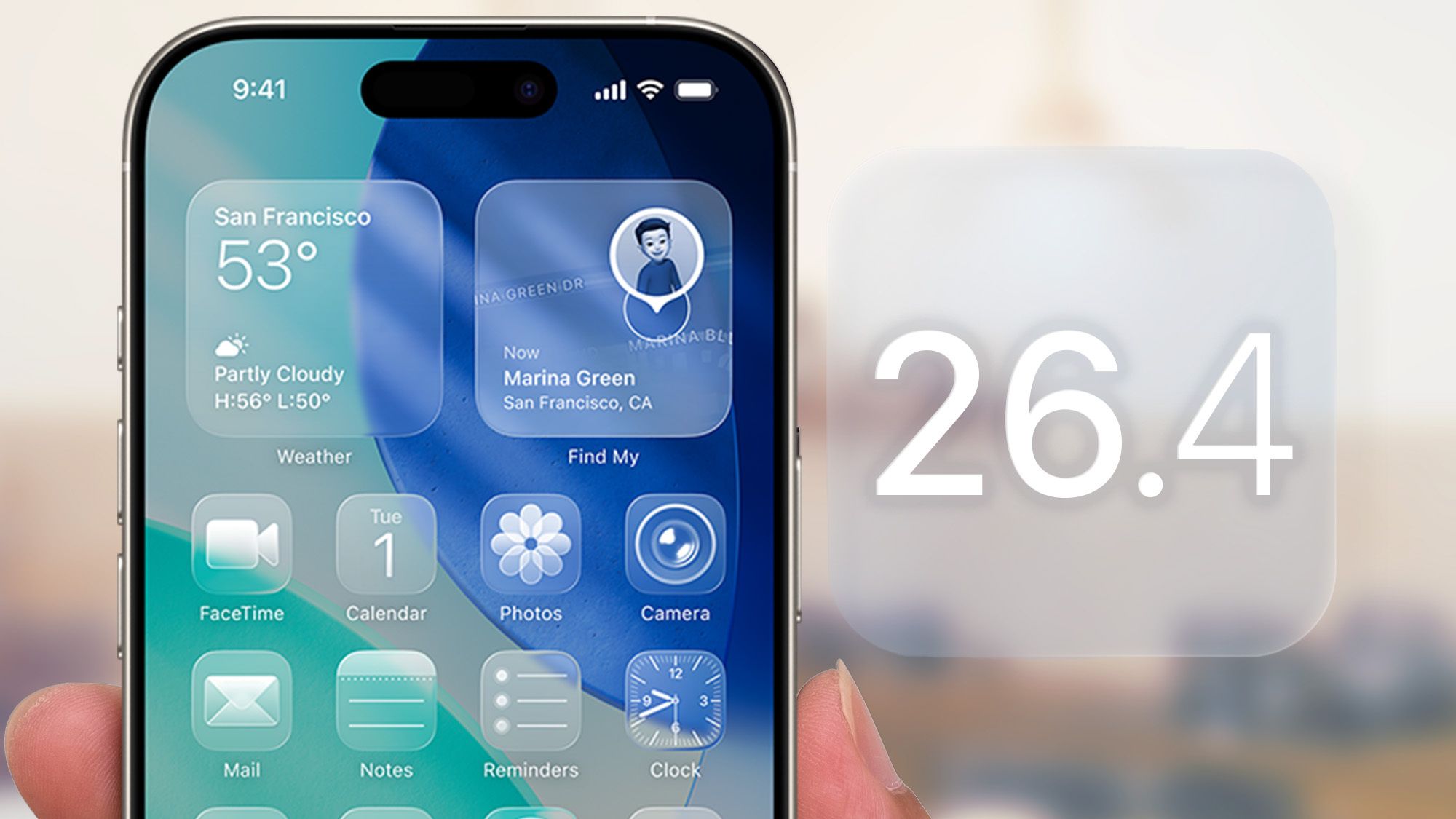
If iOS 26’s Liquid Glass look feels a little too much — bright highlights when you tap buttons, the keyboard flashing — iOS 26.4 adds a proper dimmer. Turn on Settings → Accessibility → Display & Text Size → Reduce Bright Effects to minimize those highlighting and flashing interactions. It won’t remove the Liquid Glass theme entirely, but it makes the interface less attention‑seeking for anyone sensitive to motion or bright flashes.
Automate battery charge limits (yes, really useful)
Battery longevity fans will like this: Shortcuts now includes a Set Battery Charge Limit action. That means you can automate different maximum charge targets (80–100%) depending on conditions — whether you’re at home, plugged into a work charger, on 5G or Wi‑Fi, or at a certain time of day. Small change, potentially big payoff for long‑term battery health.
Keyboard bug fixed — but reset your learned words
One of the most welcome fixes in 26.4 is an underlying keyboard bug that caused misregistered keystrokes when typing quickly. The update stops the keyboard from inventing letters and skipping taps. Unfortunately, your iPhone likely learned those corrupted patterns while the bug was active. To clean up autocorrect and predictive text, reset your keyboard dictionary after updating:
- Open Settings → General
- Tap Transfer or Reset iPhone → Reset
- Choose Reset Keyboard Dictionary and confirm with your passcode
That erases learned words and typing patterns, so autocorrect will seem blunt at first. Type normally for a few days and it relearns accurately. For more context on the fix and related typing changes, see our coverage of iOS 26.4’s keyboard and Ambient Music additions here.
Captions, subtitles and video players get friendlier
When watching video in apps that use Apple’s default player (Safari, Apple TV, Podcasts, etc.), you can now pick subtitle styles on the fly. Tap the Subtitles (speech bubble) icon, then Style to choose Classic, Large Text, Outline Text or Transparent Background. A Manage Styles shortcut also takes you straight into Accessibility subtitle settings for deeper customization.
Music gains a little AI and a local concert finder
Apple Music gets a few neat extras: Playlist Playground (beta) can generate a playlist from a short description (think: “high‑energy home workout” and let the system build the queue). There’s also a Concerts tab that surfaces nearby shows from artists in your library and recommends new acts based on listening. If music matters to you, this update nudges discovery and curation into easier places — read more about Playlist Playground and the wider iOS 26.4 music changes here.
New emoji, offline Shazam and small usability wins
iOS 26.4 introduces the latest Unicode emoji (orca, trombone, landslide, sasquatch and more) and improves Shazam: use Control Center to ID songs offline and the result will appear once you’re back online. There are also Ambient Music home screen widgets, full‑screen album art for Apple Music pages, and the option for adult Family Sharing members to use their own payment method rather than the organizer’s.
For a quick roundup of the emoji and offline Shazam additions, check this writeup here.
Hotspot transparency and a few privacy tweaks
If you hand out your Personal Hotspot a lot, iOS 26.4 now makes it easier to see who’s using your data. Open Settings → Personal Hotspot and you’ll find a Data Usage view that reports consumption per connected device (it appears if you’ve used the hotspot recently). You can reset mobile data stats in Settings → Mobile Data to start tracking afresh.
Other small privacy improvements include a Manage Devices option under Location Services and caller location for unknown numbers (US only), which give a bit more context before you tap accept.
Under the hood: performance, battery and groundwork for AI in the car
Reports suggest iOS 26.4 nudges performance and battery management, and it adds support pieces like AirPods Max 2 compatibility and expanded Freeform tools for creators. There’s also groundwork that hints at future CarPlay chatbot integrations (ChatGPT, Gemini and the like) — not a finished product yet, but a sign of Apple opening the door to more conversational in‑car features.
If you install the update, expect these changes to be more about smoothing the edges than redefining the experience. A few taps in Settings will make things feel right again: reset the keyboard dictionary if you’ve been bitten by that typing bug, and try Reduce Bright Effects if the interface is too flashy.
iOS updates like 26.4 are the kind that quietly improve daily life: less accidental typos, captions that actually work for everyone watching, and playlists that appear when you don’t feel like curating. Think of it as shaving off friction — one practical tweak at a time.