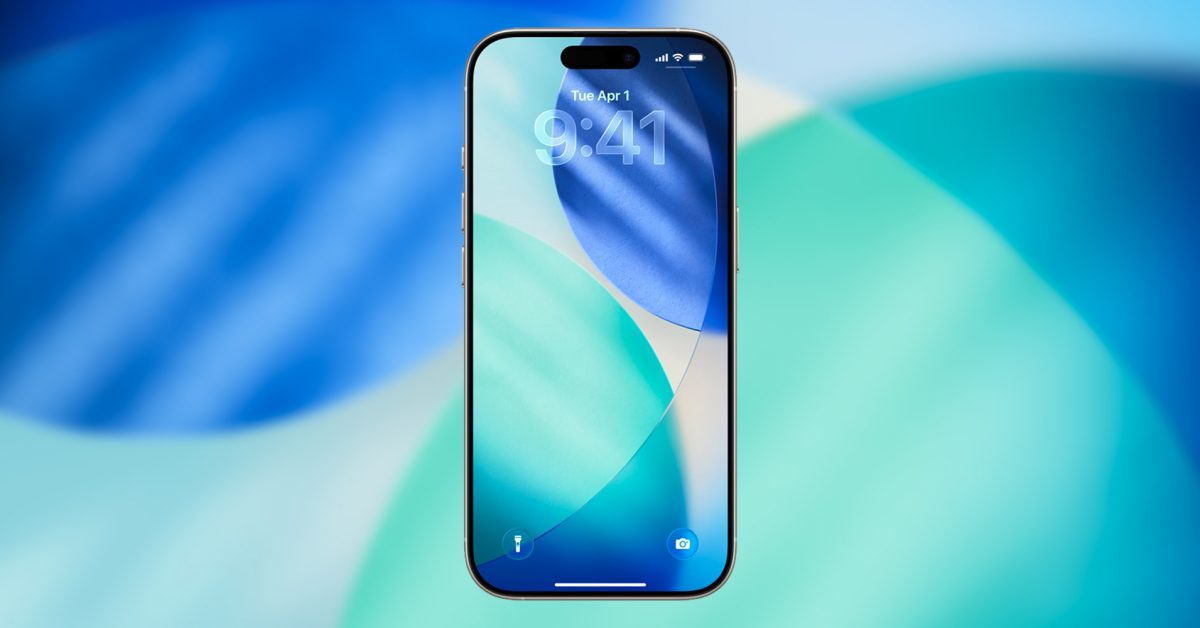
Apple shipped iOS 26 with headline-grabbing additions — Liquid Glass, on-device Apple Intelligence and a refreshed design language — but the update is just as notable for a swarm of small, practical changes that sneak into everyday use. Some are outright magic (Personal Voice), others are nerdy refinements you’ll be glad for (changeable snooze length, HDR screenshots). Together they make the iPhone feel smarter without demanding you relearn it.
Personal Voice: a big accessibility win that anyone will play with
Personal Voice was already one of iOS’s most novel features; iOS 26 makes it much less fiddly and noticeably better. Instead of the 15-minute setup and 150 prompts of the earlier iteration, iOS 26 needs only about 10 short phrases — you can have a usable clone of your voice recorded in under two minutes. Apple credits “on-device intelligence” (Apple Intelligence on compatible iPhones) for creating a smoother, more natural sound.
The feature remains an Accessibility tool first: it’s aimed at people at risk of losing their ability to speak. Once created, your Personal Voice can be used with Live Speech, Read & Speak and VoiceOver, and third-party augmentative and alternative communication apps can request to speak with it (they can’t capture audio from it). Language support currently includes English (US), Spanish (Mexico) and Mandarin (China mainland), and the smoother voice does require an AI-capable iPhone.
If you haven’t tried it, go to Settings → Accessibility → Personal Voice. After setup, Live Speech is the quickest route: enable Live Speech then triple-click the side button to have typed text read aloud in your voice.
Little conveniences that suddenly feel essential
The headline features are fun, but iOS 26’s utility comes from dozens of tiny changes you’ll find yourself returning to:
- Change alarm snooze duration (1–15 minutes) instead of being stuck with the 9‑minute legacy.
- Create a custom ringtone straight from Files or Voice Memos if the clip is under 30 seconds.
- Copy just part of a Messages bubble rather than the whole message — very handy for codes and passages.
- Add conversation backgrounds in Messages, or create polls in threads to settle a group plan fast.
Apps got meaningful upgrades too. Notes now has an Adaptive Toolbar that surfaces the right tools where you need them; Preview arrived on iPhone for real PDF editing (markups, rearranging pages) and plays nicely with Files when you’re juggling multiple docs.
Smarter search, maps, and media
Search in Maps is now powered by Apple Intelligence on supported iPhones, which means more natural-language queries and better results when you pile parameters into a single search. Visual intelligence also appears across the system: screenshots get an “Ask” option that sends the image to an LLM and an Image Search flow that can check visually similar results. Photos gains Spatial Scenes to add subtle 3D motion, and screenshots are now saved in HDR so what you capture matches what the display showed.
Apple Music adds live lyric translations for supported tracks, and downloaded songs now keep their lyrics offline — a small but delightful improvement for flights.
Camera and hardware niceties
Camera quality gets practical boosts: the Camera app will nudge you when the lens is dirty if glare or haze is detected, and you can use AirPods as a shutter remote for group shots. There’s also a new gesture to swipe right from the middle of the screen to go back in many stock apps, which smooths navigation without hunting for the left edge.
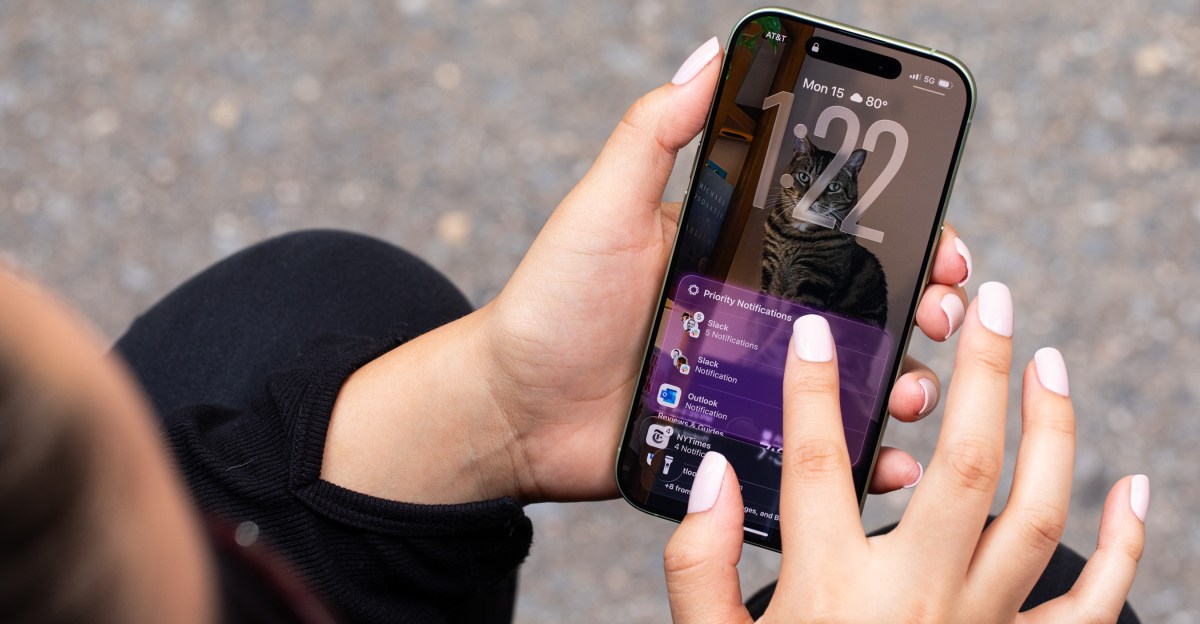
Battery-wise, the lock screen can show estimated charge times to 80% and 100%, and a new Adaptive Power mode (available on iPhone 15 Pro models and later) learns your behavior and balances performance and background activity automatically.
Privacy, travel and behind-the-scenes fixes
Apple continues to harden the platform quietly: the company has pushed security fixes and targeted patches to shore up browser and system vulnerabilities — the kind of maintenance that matters even when it doesn’t make headlines. You can read about one of those stealthy fixes for Safari in our piece on Apple’s Background Security patch that fixes a same-origin bypass.
On the travel front, Wallet is steadily expanding its ambitions: digital passports are being supported in some regions, and Weather can pull basic forecasts over satellite when you’re off-grid — small life-savers for the occasional no-service moment.
What rolled in with iOS 26.2 and other tweaks worth knowing
Between point releases Apple kept adding polish: iOS 26.2 introduced an “Urgent” option in Reminders that triggers an alarm-style notification, finer control over the Liquid Glass clock transparency, file sharing for non-contacts via a six-digit AirDrop code valid for up to 30 days, and automatic podcast chapters and linked mentions to music and shows. For creators and collaborators, Freeform picked up tables and Passwords now lets you manage sites you’d previously excluded from saving logins.
If you like the small, iterative changes Apple drops in releases, you’ll want to keep an eye on the follow-ups — for instance, iOS 26.4 shipped new emojis and an offline Shazam feature that quietly expand what the phone can do when it’s offline.
Try poking through Settings (Accessibility, Messages, Notes, Files) and the apps you use most. You’ll likely find at least one tweak — a quicker gesture, a smarter search, or a better ringtone workflow — that sticks with you and alters how you use the phone without demanding a dramatic behavior change.
If your iPhone feels like it’s getting incrementally better every week, that’s not your imagination. Apple has stitched a lot of small, practical improvements into iOS 26, and together they make the whole experience feel faster, friendlier and — in the case of Personal Voice — a little more human.