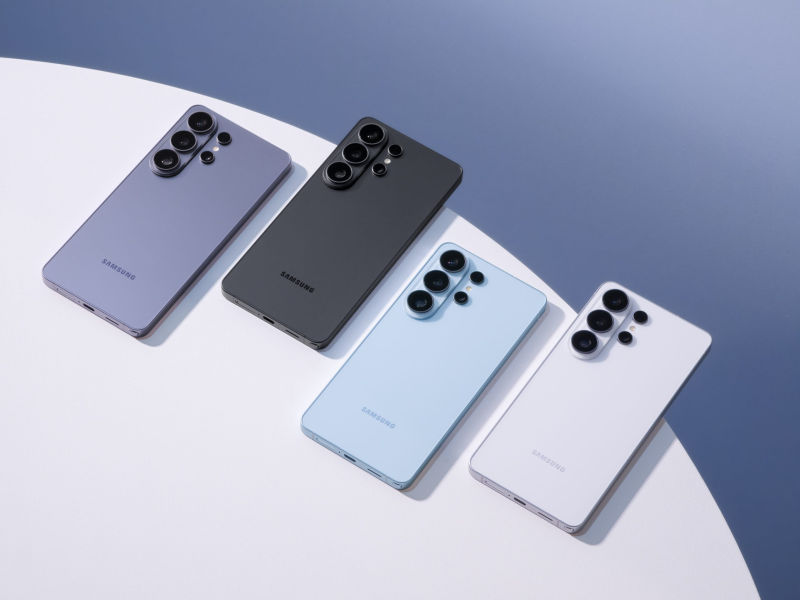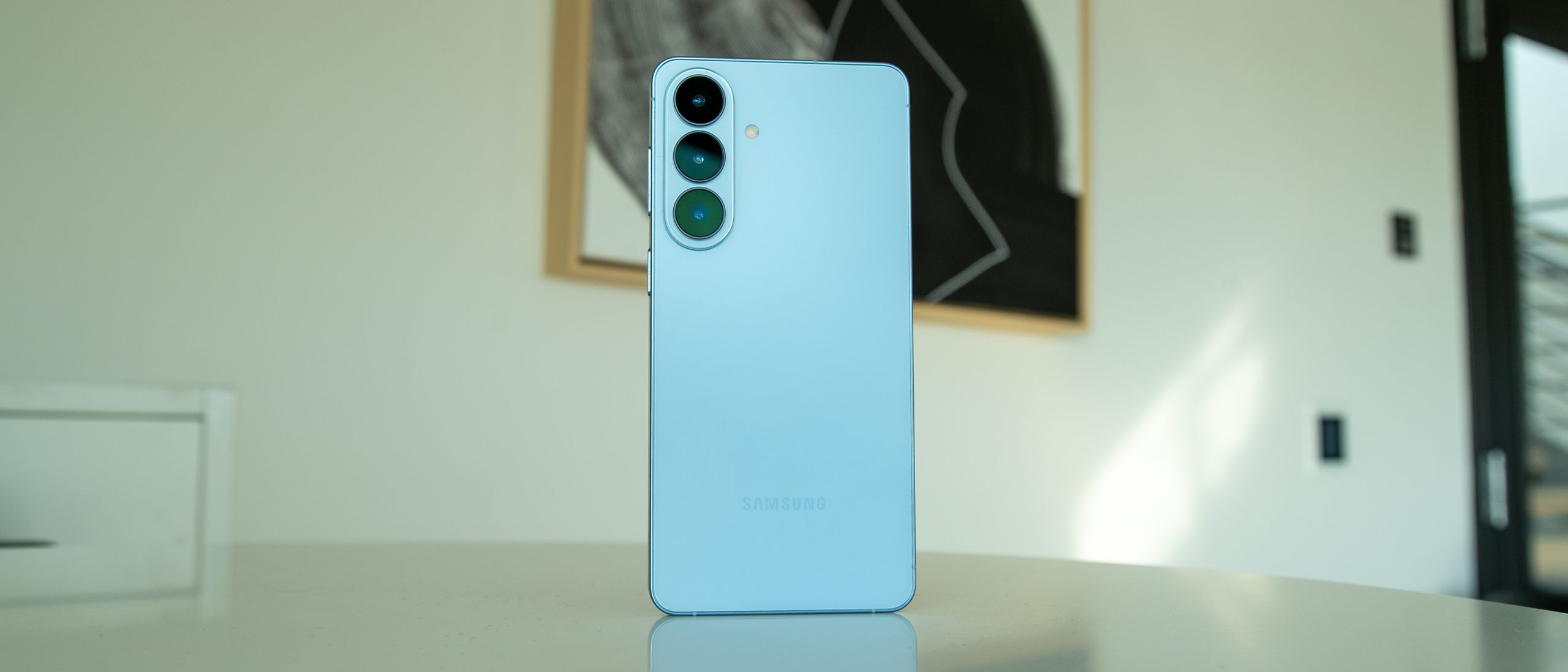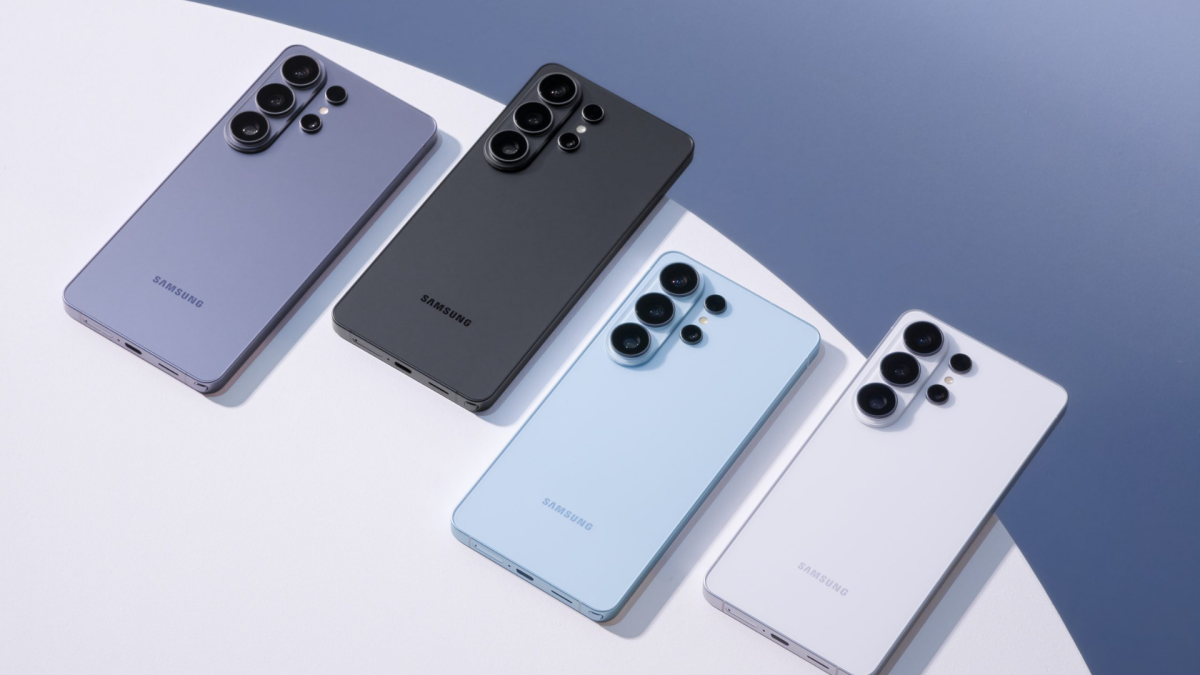
If you just splurged on a Galaxy S26 — especially the Ultra — congratulations. Also: you need a case. Choosing one feels trickier this year because Samsung left out built‑in Qi2 magnets, forcing case makers to carry that load and designers to work around an awkwardly placed camera hump.
Why magnets have become part of the case conversation
Samsung’s decision to omit an internal magnetic array on the S26 lineup means Qi2-style magnetic charging and many puck accessories only work when the case includes its own magnets. That’s handy in principle, but the phone’s high wireless coil and a chunky camera island make compatibility patchy — circular accessories tend to fare better than square ones. It’s one of the practical trade‑offs that shaped the S26 era and explains why case choice matters more than ever; if you want deeper reading on the S26’s design compromises, see our look at the phone’s real‑world tradeoffs here. Also worth noting if you juggle ecosystems: Samsung is bringing AirDrop-like functionality to the S26 via Quick Share, so connectivity considerations are adding another layer to accessory choices here.
What manufacturers are doing (and a few standout options)
Case makers have taken different routes: thin aramid shells, clear anti‑yellowing protectors, tactical tanks, and MagSafe‑style magnet rings. A few notable examples from recent hands‑on reviews and roundups:
- dbrand: The Grip is a highly configurable option (over 40 designs) with chunky side grip strips and built‑in magnets; prices start around $54.90. The Ghost clear case (anti‑yellowing guarantee) and the tougher Tank (swappable buttons and stronger magnets) give you a variety of looks and protection levels. dbrand’s Ghost is a favorite for people who want a slim, transparent look that won’t yellow over time.
- Pitaka: Their woven aramid cases (Edge and Cairn) blend thinness with texture and include the clever “Aaron” NFC buttons — programmable side buttons that trigger actions without pressing the phone’s physical keys. The Cairn mixes aramid with TPU for better shock absorption.
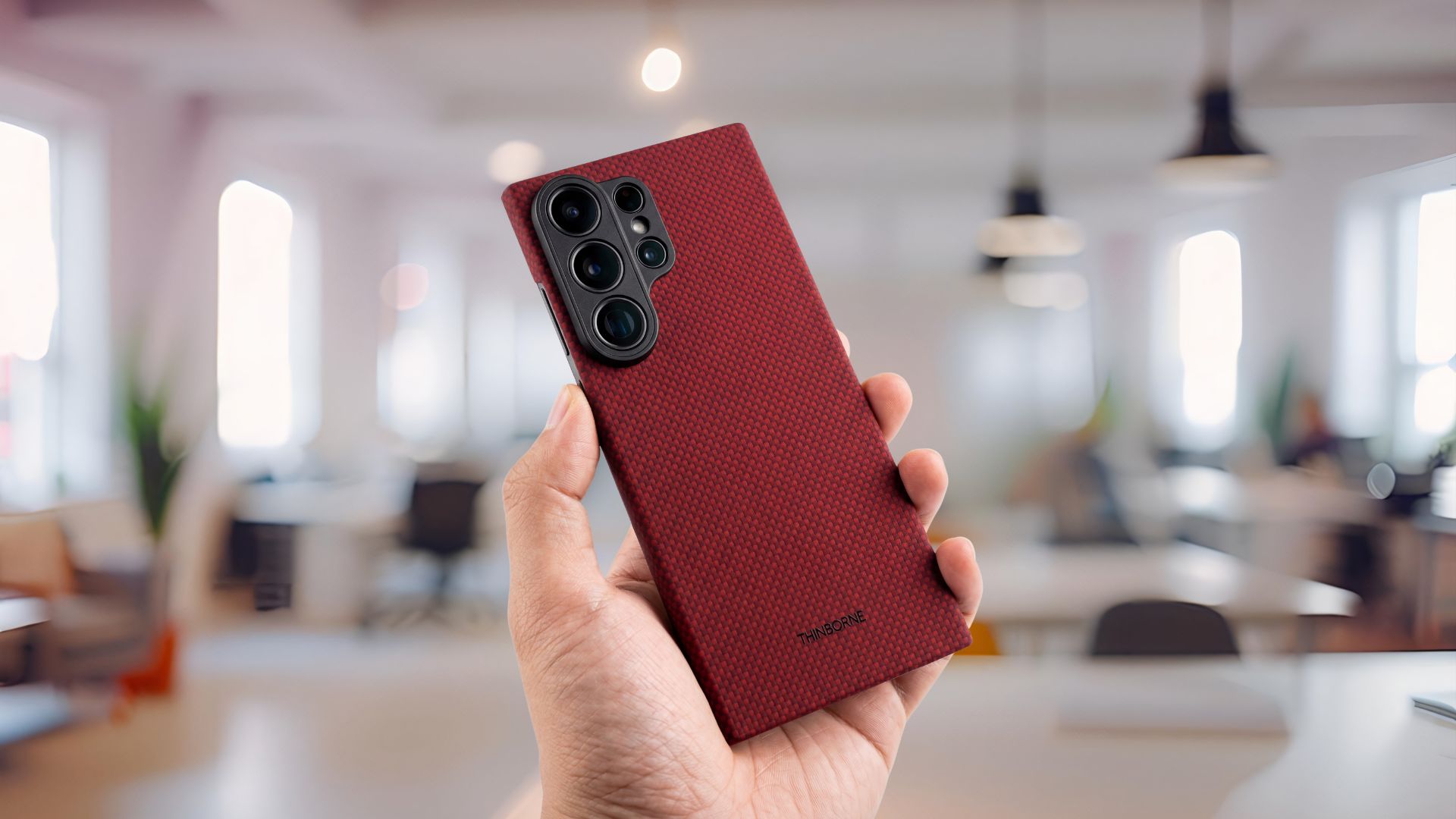
- Thinborne: A newer aramid option that leans very thin (about 0.90 mm) and light (around 20 g). Compared with Samsung’s own Slim Magnet Case, Thinborne feels more textured and less slippery, and it keeps a firmer, less flexible shell in daily use. Price sits close to Samsung’s offering, so the choice often comes down to hand feel rather than savings.
- Mous: The Limitless line remains a good pick for magnetic accessory compatibility and ruggedness; their Aramid Fiber and Clarity options cater to different tastes — colorful protection versus a minimalist transparent look.
- UAG and Zagg: If you want serious drop protection, UAG’s Monarch and Zagg’s Rainier bring heavy duty construction, raised lips around the camera, and magnetic compatibility — at the cost of more bulk.
- Casetify and others (Spigen, Aulumu): For style or quirky features, Casetify offers mirror and impact cases and options with built‑in stands; Spigen’s Ultra Hybrid MagFit is a reliable clear option at a lower price; Aulumu makes frosted, glow‑accented cases if you want something distinct.
- Grip and texture: Thin aramid shells (Thinborne, Pitaka) often feel lighter and more secure than Samsung’s smooth Slim Magnet case. If you handle the phone a lot one‑handed, texture matters.
- Magnetic strength and alignment: Cases vary in magnet placement and strength. A strong, well‑aligned ring will snap chargers and mounts into place; a poor one will slide or block charging. Some rugged cases beef up magnets to compensate for the coil height.
- Camera protection: Many protective cases add metal trim or raised camera lips. That’s useful on the S26 Ultra because the array is large and exposed — but extra trim can make some accessories sit funny.
- Bulk vs protection: UAG and Zagg lean heavily toward safety; Pitaka and Thinborne go minimal. Pick based on how often you drop stuff and how much pocket room you want.
- Extras: Programmable NFC buttons (Pitaka), swappable control buttons (dbrand Tank), built‑in kickstands (Zagg, Casetify), and anti‑yellow guarantees (dbrand Ghost) give real, daily benefits beyond mere scratch protection.
- If you want a near‑naked feel and consistent magnet alignment: try Thinborne or Pitaka Edge/Cairn.
- If you want a clear case that won’t yellow and still gives decent protection: dbrand Ghost or Spigen Ultra Hybrid MagFit.
- If you need rugged, drop‑tested armor with accessory flexibility: UAG Monarch or Zagg Rainier.
- If you enjoy customization and tactile extras: dbrand Grip for looks and dbrand Tank for tactical swapping; Pitaka for Aaron buttons.
WIRED’s testing roundups and lab notes also call out that not all magnetic accessories play nicely with the S26 camera layout — wallets, power banks, and some stands are hit or miss — so even with a magnetic case you may still need to try a few accessories to find the right fit.
The practical differences you’ll actually notice
A quick guide to picking one
Also consider a good screen protector: dbrand’s Prism 2.0 and Spigen AluminaCore both get mentions for easy installs and included extras, which makes adding protection painless.
There’s no single “best” case — much depends on what you value most: slimness, grip, magnetic accessories, or military‑grade protection. One useful rule: if you rely on MagSafe‑style chargers or wallets, buy the case first and test your accessories together, because the S26’s coil and camera placement can make otherwise compatible gear act wonky.
If you’d like, I can narrow this to three specific picks based on whether you want thin, clear, or rugged — and include direct buying links and current prices.