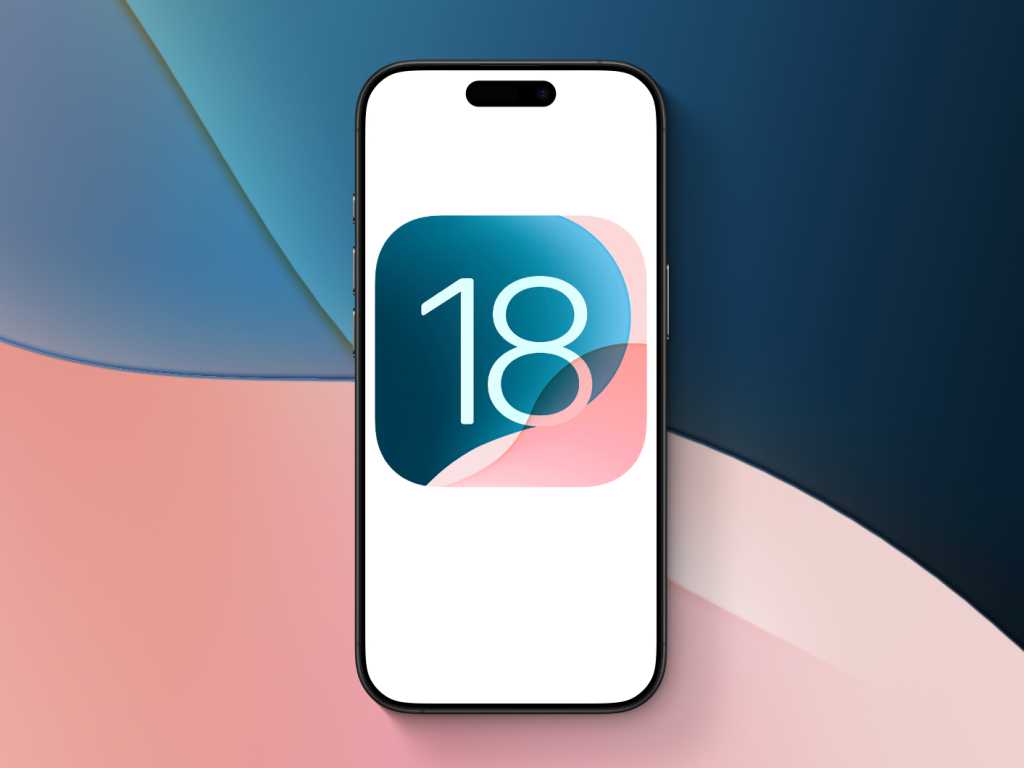
If you deliberately stayed on iOS 18 because you don’t like Apple’s newer interface—or because a critical work app won’t run on iOS 26—there’s good news: Apple has quietly widened a security update to protect those holdouts from a potent web‑based exploit called DarkSword.
What Apple pushed
On Wednesday Apple rolled out iOS 18.7.7 (build 22H340) and the corresponding iPadOS 18.7.7 more broadly than it normally would. Historically the company stops shipping security fixes for an older major iOS release to devices that can run the newest OS; only phones too old for the upgrade would keep getting patches. This time, however, devices capable of iOS 26 but still on iOS 18 can receive the DarkSword fixes if they have automatic updates enabled—or opt in manually via Settings > General > Software Update.
DarkSword targets Safari‑style web attacks: visiting a compromised site can trigger a chain of exploits that silently seize data—messages, location history, browsing data and even cryptocurrency keys—and siphon it back to attackers. Security firms first observed the toolkit in active campaigns against users in countries such as Malaysia, Turkey, Saudi Arabia and Ukraine. The situation escalated when code linked to DarkSword showed up on public repositories, making the technique trivially reusable by other groups.
Apple had already protected iOS 26 users weeks earlier; the broadened iOS 18 update is explicitly aimed at people who have resisted upgrading. The company also says Lockdown Mode offers a further line of defense for high‑risk targets.
Why this matters (and why it’s unusual)
Backporting fixes to older OS versions isn’t Apple’s default. The company typically encourages users to move to the latest release for the “most advanced protections,” and it reserves some patches for devices that cannot run the newest software. The double public exposure of sophisticated toolkits—first Coruna and now DarkSword—appears to have nudged Apple toward a more pragmatic stance: patch now, even if it means protecting devices that could otherwise be forced onto iOS 26.
Security researchers greeted the move with guarded approval. Many argue that backported fixes for severe web‑based exploits should be routine, not an exception triggered by high publicity. After all, the web is an indiscriminate attack surface: anyone who visits a compromised site becomes a potential target.
For users who keep an eye on Apple’s patching history, this incident also ties into Apple’s broader, quieter security work: recent updates in iOS 26 have included under‑the‑hood protections and fixes for web engine issues. If you want to read about some of iOS 26’s security and UX changes, our coverage of iOS 26's little revolutions is a good primer. And Apple’s stealthy WebKit fixes have popped up in several recent maintenance releases, like the background security work that addressed same‑origin bypasses.
What you should do now
- Check Settings > General > Software Update. If automatic updates are on, your device should receive the 18.7.7 security update automatically. If not, install the patch manually.
- If you can move to iOS 26 and don’t have blocking reasons (app incompatibility, storage limits, or personal preference), updating remains the simplest way to get the widest protection surface.
- Consider enabling Lockdown Mode if you believe you might be targeted: Apple designed it as a hardening option against highly capable spyware.
This episode is a reminder that software preferences and security don’t always align comfortably. Apple’s sudden decision to widen an older‑OS patch may soothe many users who’ve been stubborn about upgrading—but it also spotlights a longer conversation about who bears the maintenance burden for devices that remain on older software.
If you want practical step‑by‑step instructions for updating, open Settings on your iPhone, tap General, then Software Update and follow the prompts. The update itself is small; the protection it buys you against a live, in‑the‑wild exploit is anything but.