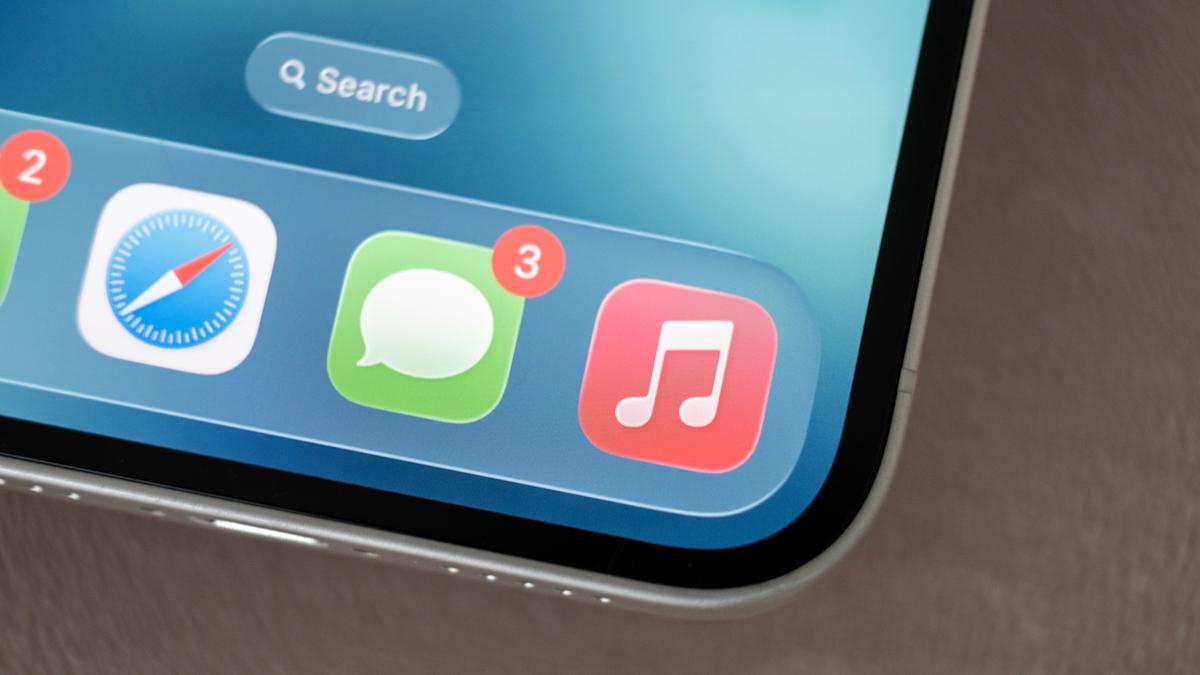
Apple quietly shipped iOS 26.4 this month and, unlike the hoopla around major hardware launches, this one sneaks up with a mix of small conveniences, new music toys and a serious security tidy-up. If you upgrade this weekend, you’ll find AI-powered playlists, a handful of fresh emoji, useful iCloud web functionality — and 37 security patches that deserve your attention.
Music gets creative (and a little clever)
The headline feature is Playlist Playground, Apple’s AI playlist generator tucked into Apple Music. Type a short prompt about a mood, activity or vibe and the tool stitches together a matching mix. It leans on both trending data and your listening history, and you can refine results with metadata — for example, remove songs released before a certain year. Apple is testing the feature in the US for English users first; it’s available from the Library tab or the Home tab’s recommendations and even shows up for Apple Music on Android, according to hands‑on guides.
Playlist Playground sits alongside other audio upgrades: official Bandsintown integration surfaces nearby concert dates in Apple Music, and a new Ambient Music home‑screen widget gives one‑tap access to curated focus, sleep and relaxation sounds.
If you want a compact primer on Apple’s music additions and the emoji refresh, there’s a useful roundup that digs into Playlist Playground and the new characters, including a student‑designed trombone and a Bigfoot emoji iOS 26.4: New emojis (including a student-designed trombone) and offline Shazam arrive.
A web upgrade for iCloud
If you sometimes use iCloud on Windows or Android machines, you’ll appreciate a small but practical change: iCloud.com can now search your iCloud Drive files and iCloud Photos. It’s off by default; to enable it go to Settings > [your name] > iCloud > iCloud.com and toggle on "Allow Search." Searches are processed on‑device and encrypted, so Apple says it doesn’t keep a server‑side search history. For people who juggle non‑Apple devices, this makes iCloud far more usable.
Quiet fixes that matter
Not every change is flashy. A new setting called "Reduce Bright Effects" aims to temper visual oddities reported with Apple’s Liquid Glass display treatment. A longstanding keyboard bug that led to errors when you type fast has been patched. On the Mac side, macOS Tahoe 26.4 restores the compact tab bar in Safari and adds an option to cap maximum battery charge between 80 and 100 percent for long‑term battery health. watchOS 26.4 simplifies workouts so you can start a session with a single tap — no countdown, no extra confirmations.
Security: update sooner rather than later
Under the hood, iOS 26.4 is a heavyweight security release. Apple lists roughly 37 fixes across WebKit, the kernel and other system components. Several WebKit flaws could allow cross‑site scripting or same‑origin bypasses if a user visited malicious web content; kernel fixes address issues that could enable apps to corrupt kernel memory or crash the system — problems that, in the wrong hands, can be escalated into full device compromise.
Apple has kept technical details sparse to give users time to patch before attackers reverse‑engineer exploits. Still, independent security professionals quoted around the release urge immediate installation. This work builds on the quieter background security measures Apple rolled out earlier in the iOS 26 cycle and on the same‑origin patching that appeared in a prior micro‑release Silent patch: Apple’s iOS 26.3.1 (a) plugs a WebKit same-origin hole.
Also worth noting: Stolen Device Protection is enabled by default in 26.4, which raises the bar against quick post‑theft tampering. In the U.K., Apple added an age‑verification flow for certain services that may ask for account info, a credit card or an ID document to confirm someone is 18+, a move that has already generated debate.
Availability and a few compatibility notes
iOS 26.4 is available for iPhone 11 and later (and the matching iPadOS build for supporting iPads). Playlist Playground is currently a beta on U.S. Apple Music accounts set to English and requires iOS or iPadOS 26.4 (and is also supported on visionOS for the Vision Pro). Some features land across Apple’s broader ecosystem: macOS Tahoe 26.4 for Macs, watchOS 26.4 for newer watches and visionOS 26.4 for Vision Pro.
Users report mixed but generally positive impressions so far: keyboard responsiveness and UI polish are improved for some, while a handful of people have noted new quirks — as always, major updates can behave differently depending on device and installed apps.
If you haven’t installed iOS 26.4 yet, the combination of improved music tools, clearer iCloud web access and a substantial security patch make it a sensible one to take sooner rather than later. And if you want to dive deeper into the music and emoji side of the update, there’s a closer look that walks through the Playlist Playground experience and the new emoji set iOS 26.4: New emojis (including a student-designed trombone) and offline Shazam arrive.