Google’s monthly system update for April 2026 landed as a series of behind-the-scenes pushes to Play services, the Play Store and a handful of system modules — the kind of update you might not notice until your phone feels snappier or a Wallet pass behaves the way you actually expect.
What's in the release
Rolling out in early and mid-April (Play services v26.13 on April 6 and v26.14 on April 13, plus Play Store v50.9/51.0), the changes mix small user-facing features with a stack of stability, privacy and developer-focused tweaks:
- Play Store: new UI conveniences and commerce signals — some app ads now show download counts, you can create a Gamer Profile from the You tab, and some titles are playable without installation. Developers can also get feedback on AI-generated summaries of user reviews.
- Wallet: a redesigned quick-access interface and new per-pass privacy controls that let you decide how individual passes interact with other Google services like Autofill.
- Account setup: faster account-and-settings transfer when moving devices.
- Device and location: updated Location Sharing APIs, more frequent on-device location history processing for Store Visits, and new Device Connectivity hooks for apps.
- System management and security: a raft of stability and security improvements across Phone, Auto, TV, Wear and PC platforms. Google also exposed open-source licenses for Android Pulse in GMS Core.
A few outlets picking apart the update also noticed subtle performance improvements — faster app launches, smarter background memory handling and smoother system animations — the kind of polish that makes older phones feel fresher without headline features.
Why this matters
These monthly Google System updates are modular: they arrive through Play services and system modules instead of a full OS upgrade. That gives Google a straighter line to push security fixes, stability patches and small feature updates to a wide range of devices, independent of manufacturers' OS release schedules. For users, that often translates into faster security rollouts and steady UX improvements without waiting for a major Android version bump.
The April pushes are notable because they blend practical user conveniences — like download counts on ads that help you judge an app — with privacy-first adjustments in Wallet and more efficient resource handling under the hood. If you value a phone that feels consistently maintained rather than occasionally refreshed by a big yearly update, these are the kinds of changes that add up.
A closer look at Play Store and games
Google appears to be nudging the Play Store toward better discovery and lower friction for trying apps. Play Games features such as direct League joins from the You tab and trial/instant-play options are part of that. There are also moves to surface more context about apps (download numbers in ads) and to let users correct or react to AI summaries of reviews — a response to the growing role of AI in store curation.
If you follow Play Store evolutions, these changes fit into a longer arc: more helpful metadata, lighter ways to try software, and new tools for developers to showcase games and services. For background on how review search and other discovery tools are changing, see the recent coverage of Play Store review search improvements and broader Play Store shifts in game distribution and trials (/news/google-play-review-search) and (/news/google-play-buy-once-play-anywhere).
Under the hood: performance, privacy, and stability
Journalists and site tests calling out April's update found multiple quiet wins: apps launch faster, the system manages background RAM more intelligently, and animations feel less jittery. Security patches were also aligned with April's Android security level, bringing fixes for system-level vulnerabilities and better background protections.
Location and context APIs received attention too — developers get refined Location Sharing APIs and more frequent on-device processing of Store Visits. Those changes matter for apps that rely on subtle location cues while keeping data on-device when possible.
When you'll see it and how to check
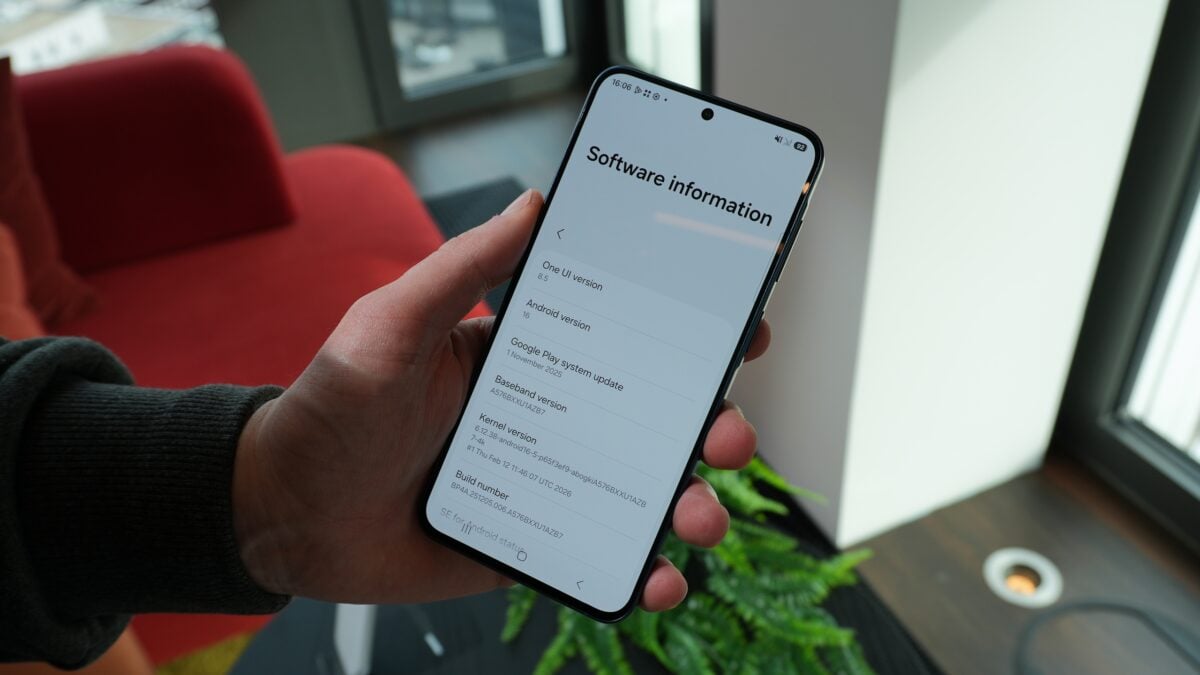
As always, Google rolls these updates out gradually. Some devices will get the new bits immediately; others might wait days or weeks. To check for the Play system update on most Android devices: open Settings > Security & Privacy > Updates > Google Play system update. On Pixel phones you can also go to Settings > About phone > Android version to check Play system status, and the Google services section shows individual module versions.
A changelog entry doesn't guarantee worldwide availability the same day — many features are staged and some are gated to specific device families or regions while Google monitors stability.
If you prefer the short, practical version: look for smoother app switching, small quality-of-life bumps in Wallet and Play Store, and a delivery method that keeps your device current without a full OS install. That steady, incremental maintenance is exactly the point of modular system updates — quiet, frequent, and useful in daily life.