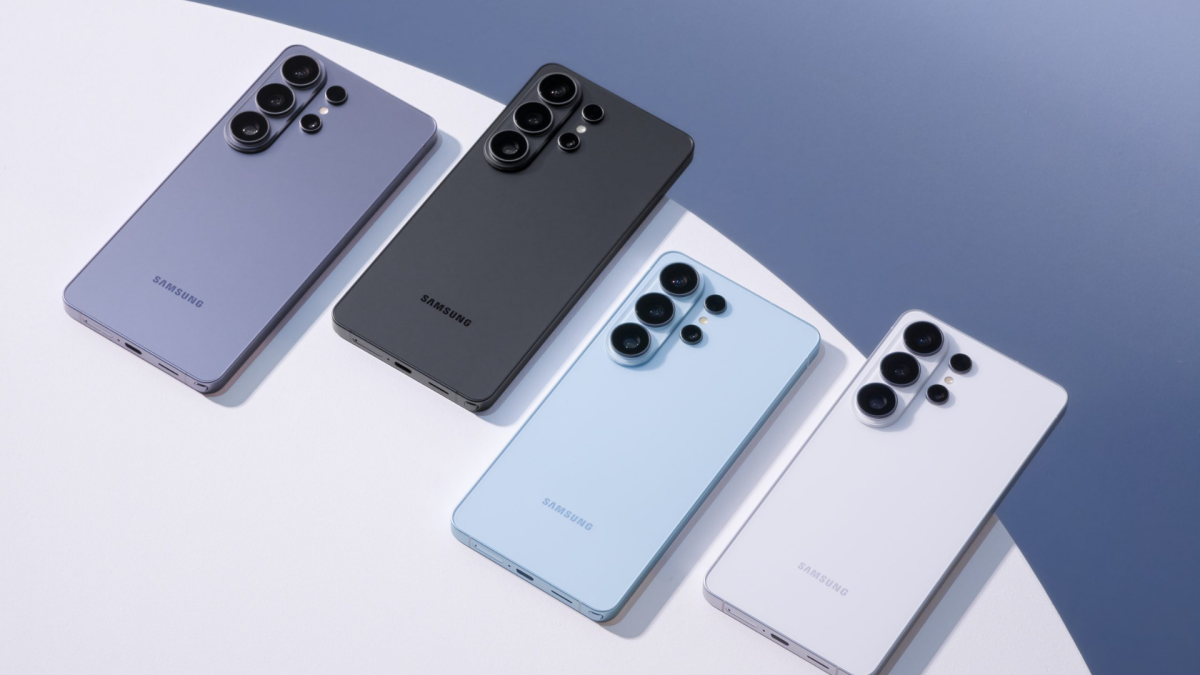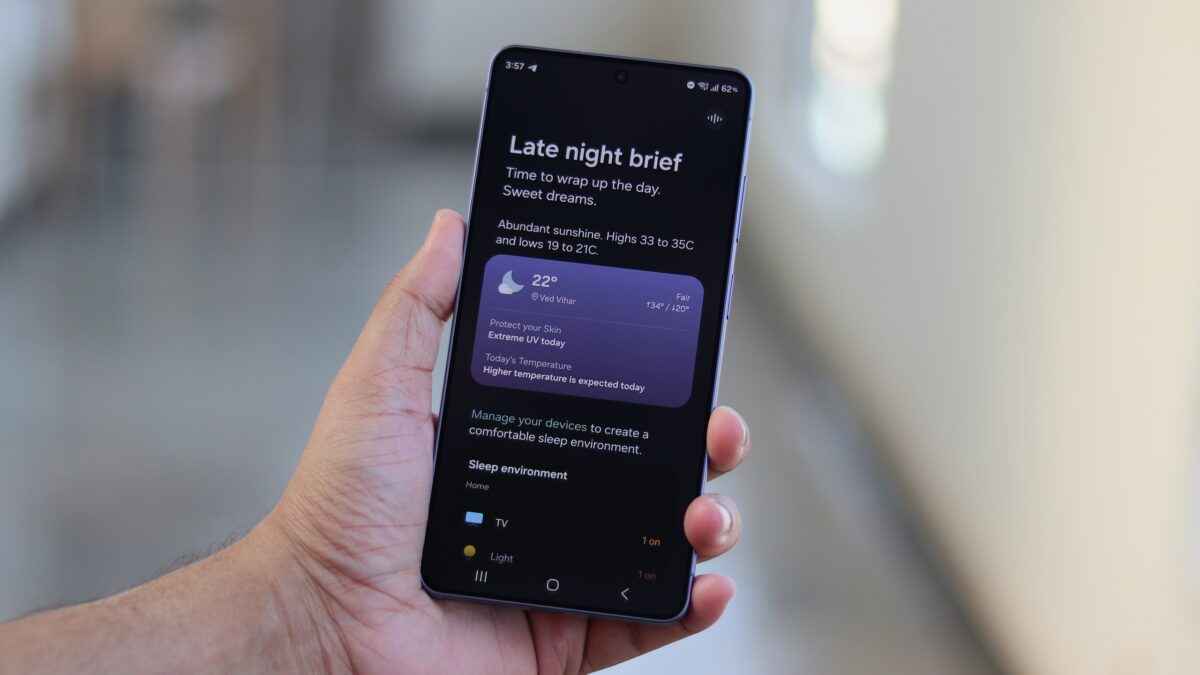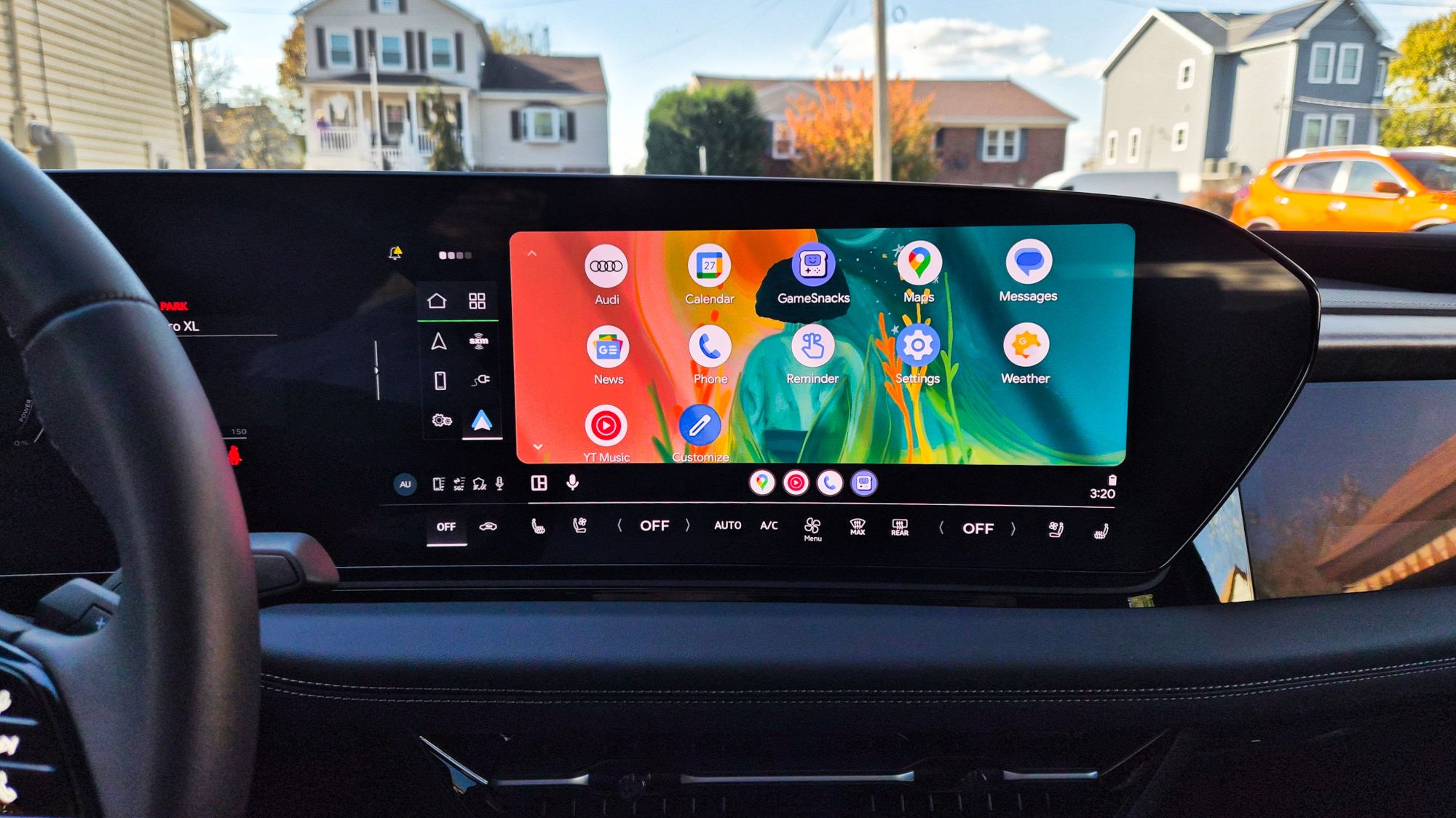
If your new Galaxy S26 or Pixel phone has started playing musical chairs with Android Auto — connecting, dropping out, then reconnecting — you’re not imagining things. Over the past few weeks a wave of users have reported the same frustrating behavior after a recent Android Auto/phone update: wired connections failing to stay active, the system requiring you to unlock the phone before projection will start, and in some S26 cases a black screen or apps that won’t load.
What users are seeing
Reports collected from Android Auto support threads and Reddit paint a fairly consistent picture:
- Many problems occur with wired Android Auto; some Galaxy S26 owners also see wireless hiccups.
- Phones will connect briefly, then disconnect; sometimes the infotainment shows only a black screen.
- Several Pixel owners say their phones now require unlocking to start Android Auto over USB even though the “Start Android Auto while locked” option is turned on.
- Android’s Advanced Protection (specifically its USB protection features) may be resetting USB trust settings and blocking automatic Android Auto launches on affected Pixel models. An Android Community Support specialist has acknowledged reports of this behavior for Pixel users, suggesting Google is aware of the problem.
- On Samsung phones, some people have traced trouble to the SmartThings app — disabling Easy Connection settings or removing SmartThings entirely reportedly restored stable Android Auto behavior for several S26 owners. That points to the possibility of an app-level conflict rather than Android Auto itself in some cases.
- Start Android Auto from the car’s infotainment menu instead of plugging in first — several users said that launched a stable connection.
- Temporarily uninstall or disable Samsung’s SmartThings (or turn off its Easy Connection options) and retest a wired connection.
- If you’re on a Pixel and Advanced Protection is enabled, check your USB protection settings; some users believe toggling protections can help (exercise caution if you rely on Advanced Protection for security).
- Reinstall an older Android Auto APK (advanced users only) — a few people reported success after rolling back the app.
- Factory reset: a last resort, but a handful of owners said repeated factory resets cleared the issue for them.
- Test wired and wireless Android Auto separately to see if only one mode is affected. Wireless Android Auto seems less affected on Pixels but not completely immune on some S26 handsets.
- Try initiating Android Auto from your car’s UI before plugging in — it’s an easy test and has helped some users.
- If you use SmartThings or other connection-management apps on Samsung phones, disable their auto-connection features while troubleshooting. This issue highlights how OEM companion apps can sometimes interfere with third-party projection services.
- Report your exact device, Android, and Android Auto versions in Google’s community forum — that helps engineers reproduce the bug faster.
Those symptoms have pushed some frustrated S26 buyers to contemplate returning what was, for many, a brand-new phone.
Possible causes (and why this isn’t simple)
There isn’t a single confirmed root cause yet, but two leading theories have emerged from user reports and community troubleshooting:
Add to that the timing of recent Android Auto and phone firmware patches, and it’s easy to see multiple interacting factors could be at work rather than a single, neatly fixable bug.
Workarounds people have tried (and which actually helped)
A few practical fixes have circulated in forum threads. They’re not guaranteed, but they’re worth trying before you book a return or a service appointment:
If you want to explore the S26’s USB capabilities while troubleshooting, note that the phone also supports USB modes for alternate uses — like functioning as a plug-and-play webcam — which might be useful context when checking USB behavior and permissions on your device. See more about the S26’s USB functionality here.
What Google and Samsung have said (short answer: not much)
Google has publicly acknowledged related Pixel reports through community support channels, but there’s no public timeline for a fix. Samsung has not issued a broad statement about the S26 Android Auto reports as of writing.
When a software update affects connectivity features that bridge two ecosystems (phone and car), fixes can come from either side: a phone patch, an Android Auto app update, or even a head-unit firmware update from your vehicle maker. Keep an eye on official update notes from both your phone maker and your car’s infotainment vendor.
If you drive a lot, consider these practical next steps
This problem is a reminder of how many moving parts sit between your home, phone and car: firmware, security protections, companion apps, the Android Auto app itself, and your vehicle’s head unit all play a role. If you’ve bought a Galaxy S26 recently, you may also be interested in Samsung’s push to expand the S26’s cross-platform features like AirDrop-style Quick Share — another sign the phone is being actively updated with new connectivity features. Learn more about that here Galaxy S26 will get AirDrop via Quick Share.
For now, keep your phone and Android Auto app updated, try the practical workarounds above, and if the issue affects your daily commute, escalate it through official support channels so it lands on the right engineers’ desks. I'll update this space when either Google or Samsung publishes a formal fix or guidance.