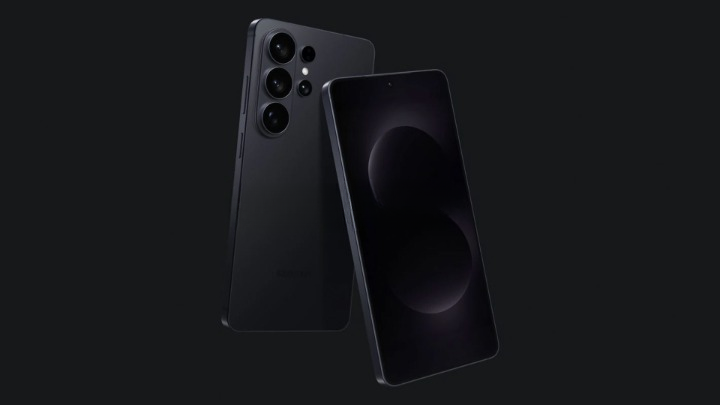
If your laptop camera has been embarrassing you on video calls, the fix might already be in your pocket. Samsung has quietly added a native USB webcam mode to the Galaxy S26 series, letting the phone present itself to a computer as a standard webcam — no extra apps, drivers, or fiddly setups required.
This is the same underlying idea Google shipped with Android 14 QPR1 for Pixel phones: connect your handset to a PC with a USB‑C cable, choose the new webcam option in the phone’s USB preferences, and your computer will see the phone as a UVC (USB Video Class) camera. That means Zoom, Google Meet, Microsoft Teams, browser-based calls and streaming tools like OBS should list the S26 as a selectable video source just like any webcam.
What you can do with it
- Swap between the front-facing camera and the rear shooters, including ultra-wide and the main camera, for significantly better image quality than most laptop webcams.
- Turn on High Quality Mode to stream at a higher bitrate and sharper detail — handy for presentations or streaming — though it can make the phone run a bit warmer.
- Keep your phone charged while it’s tethered, which is a small but welcome convenience for long meetings.
Because it’s a wired UVC connection, latency is low and the stream is more reliable than many wireless phone-as-webcam tricks. It’s a simple, standards-based approach that sidesteps third-party solutions like DroidCam or Camo that need companion desktop software.
Who benefits (and how)
Remote workers and students get a quick path to better-looking meetings without buying a separate webcam. Creators can use the S26 for desk demos or product shots with better color and dynamic range than a typical laptop camera. IT teams and enterprises may also prefer a baked‑in, driverless option to avoid support headaches.
Quick practical tips: mount the phone on a small tripod or clamp, use the rear camera for the best image, enable Do Not Disturb so notifications don’t pop up during a call, and clean the lens before important meetings.
Why it matters — and why it’s a bit overdue
Google made native webcam support available in 2023, but adoption among manufacturers has been slow. Samsung’s move brings that convenience to its newest flagships, and it’s a reminder that sometimes the most useful features are quiet software touches rather than flashy hardware upgrades.
The S26’s webcam mode slots into Samsung’s broader One UI evolution — the same family of updates that will add features like AirDrop-style Quick Share between Galaxy devices — so expect Samsung to keep layering convenience features into its flagship line. For readers tracking other S26-specific innovations, Samsung also packed hardware and software tweaks into the Ultra model, like a privacy display option that changes how you share your screen in public spaces the Galaxy S26 Ultra puts a privacy screen under your thumb.
Limits and what’s unclear
For now, the capability appears limited to the Galaxy S26 family running One UI 8.5; Galaxy S25 models on the One UI 8.5 beta don’t seem to have it yet. Samsung hasn’t confirmed whether older devices will get the feature in a future update, though its rollout practices suggest a backport is possible but not guaranteed. If you’re curious how this sits alongside other S26 software features, Samsung has been rolling out a suite of small but useful additions across One UI updates, including that planned Quick Share/AirDrop functionality Galaxy S26 will get AirDrop via Quick Share, Samsung confirms.
This isn’t a revolution so much as a tidy evolution: better video quality with minimal fuss. If you own a Galaxy S26, try plugging it in next time you have a call — the improvement is immediate and, in most cases, obvious.
If Samsung does expand the feature to older flagships, it could quietly flip many people's daily video setup from “meh” to much more presentable without anyone buying extra gear.